A business trip expense report lists every cost of a work trip, with the date, merchant, category, amount, business purpose and receipt for each, so your employer can reimburse you. The template below has the fields most finance teams expect. If you are in the US, it also follows the record-keeping that IRS Publication 463 describes for an accountable plan, which is what keeps reimbursements out of your taxable income.
Trip details, one row per expense, currency and exchange rate columns, totals by category and an approval block. Opens in Google Sheets or Excel.
The fields that matter
Every row in the template has the same columns.
| Field | Why finance needs it |
|---|---|
| Date | Ties the expense to the trip dates |
| Merchant | Matches the card statement |
| Category | Travel, lodging, meals, transport, other |
| Amount and currency | The amount actually charged, in the original currency |
| Exchange rate and amount in home currency | What you are reimbursed |
| Business purpose | Shows the expense was for work |
| Attendees (for meals) | Who was there, for client or team meals |
| Receipt attached | Proof of the amount |
The US rules in brief
In the US, an employer's reimbursement plan is an accountable plan if it meets three rules, which IRS Publication 463 sets out.
- Business connection: the expenses were ordinary and necessary for the work.
- Adequate accounting: you report the expenses to your employer with records.
- Return of excess: you return any advance or allowance beyond what you accounted for.
Publication 463 also describes reasonable time periods: receiving an advance within 30 days before an expense, accounting for expenses within 60 days after they were paid or incurred, and returning any excess within 120 days. On records, it expects receipts for all lodging and for any other expense of $75 or more, along with the time, place and business purpose. Your employer's own policy may be stricter, so check it.
Many employers also use per diem rates for meals and incidentals instead of actual receipts. In the US, the General Services Administration publishes per diem rates by location, which many private employers use as their benchmark.
Foreign currency expenses
Record the amount in the currency you paid, then convert.
Use the exchange rate your employer's policy specifies. That is often the rate on your card statement, which includes any fees, or a published rate on the date of the expense. Keep the card statement line alongside the receipt so the converted amount can be checked. Card foreign transaction fees are usually reimbursable as part of the cost, but confirm that with your policy.
Keeping receipts as you travel
The best expense report is mostly finished before you get home.
- Photograph each receipt the moment you get it. Paper receipts fade and get lost.
- Add the business purpose while you remember it: 'dinner with client, project kickoff'.
- For a meal with colleagues or clients, note who was there.
- Keep a running total against any trip budget or per diem.
- Submit within days of returning, not weeks.
The full process of claiming everything back, including what is usually not reimbursable, is in business trip expenses: how to claim everything back.
Why expense reports get rejected
Finance teams send reports back for a short, predictable list of reasons.
- A missing or unreadable receipt for an expense that needs one.
- No business purpose, or one too vague to judge, such as just 'meeting'.
- Personal costs mixed in, such as a room-service charge or an extra night for a personal stay.
- The same expense claimed twice, often a shared taxi claimed by two colleagues.
- Submitted after the deadline in the policy.
- Foreign currency amounts with no exchange rate or statement line to check them.
Each of these is cheap to avoid at the moment you spend and expensive to fix weeks later. That is the whole argument for capturing receipts as you go.
Team trips: who paid for what
When several colleagues travel together, one person often pays for the group's taxi or dinner.
Record who paid each shared cost and who it was for, so each person can claim their own share, or the payer can claim the whole amount with the attendees listed. Mixing these up is a common reason for duplicate or missing claims.
Using EconoGlance on the road
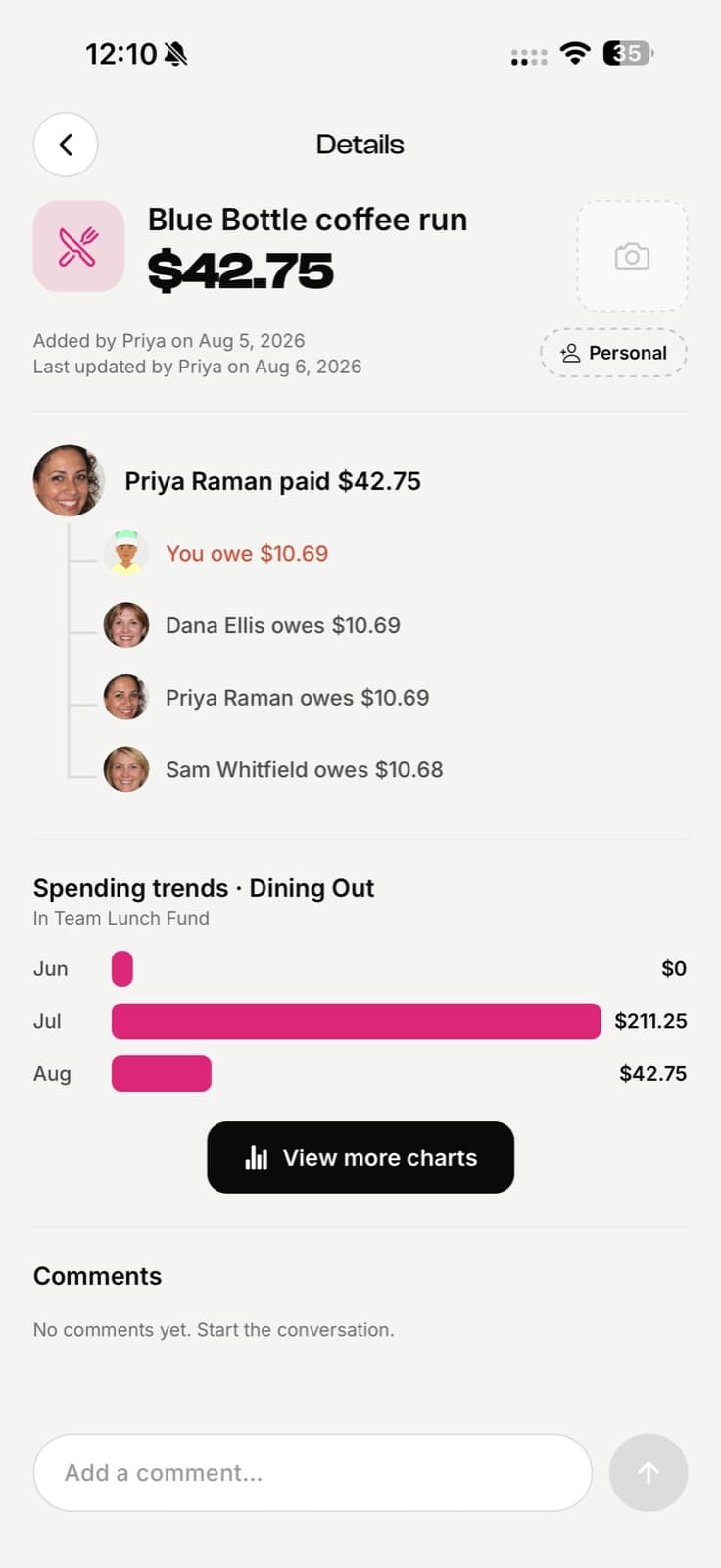
EconoGlance is built for shared costs, which makes it useful for team trips.
Create a trip group for the team, add each shared cost with who paid it, and the app shows who owes whom at the end. With Pro, scanning a receipt reads the merchant, date, line items, tax and total, and the receipt image stays attached to the expense. Use that record to fill in your company's expense report. EconoGlance is not an expense management or reimbursement system, so your employer's own process still applies.