Keep the family's shared spending in one place.
Groceries, school supplies, the utility bills — keep the household's shared money in one place, split fairly and tracked over time.
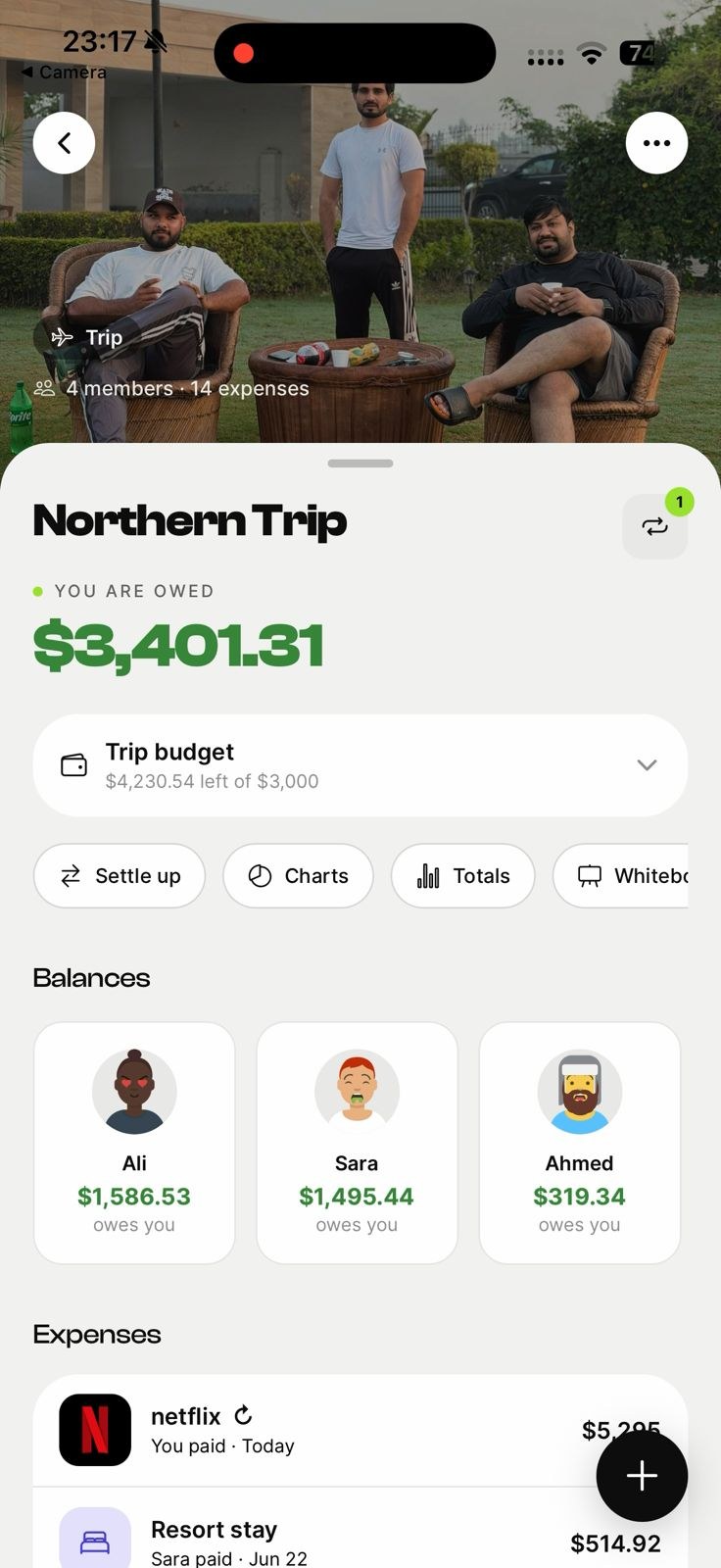
Recurring household bills
Rent, utilities and subscriptions on autopilot.
Family spending insights
See where the household's money goes.
Everyone stays in the loop
Shared balances the whole family can see.
Track recurring household bills
Rent, utilities and subscriptions repeat every month. Set them once and they split automatically, so the household's fixed costs run on autopilot.
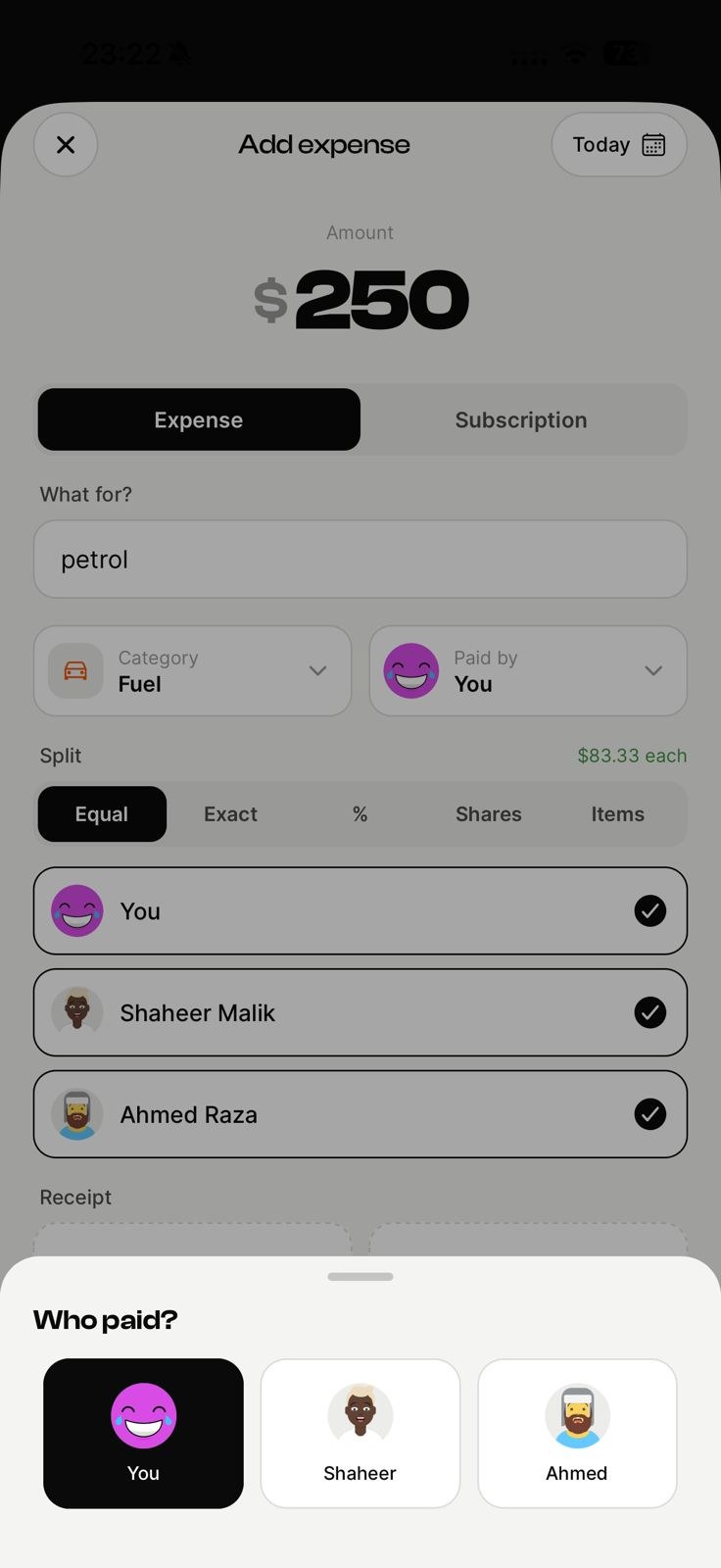
Split the big shops
Scan the receipt from the weekly grocery run and split it in seconds. Assign items to whoever they are for when it is not an even share.
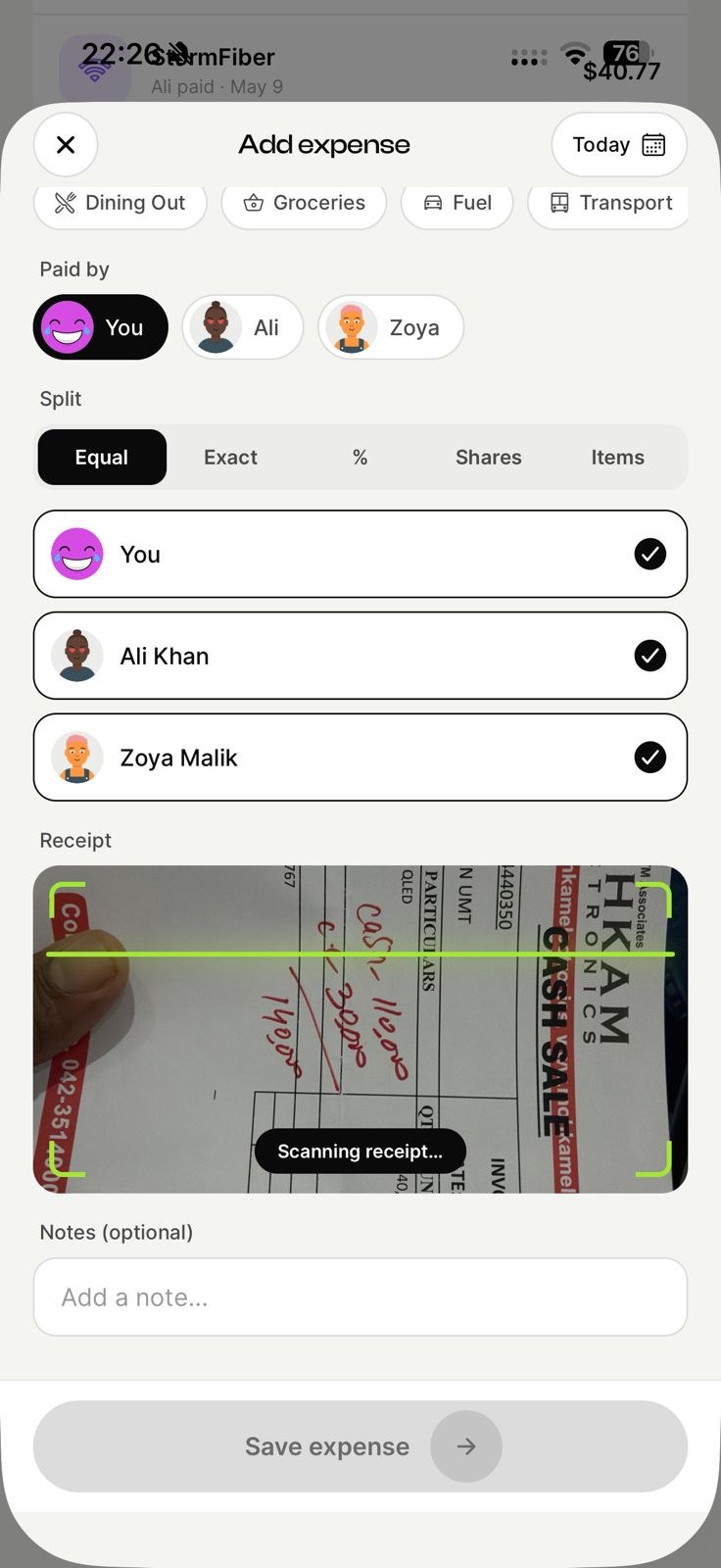
See the family's spending
Totals by category and by member show exactly where the household's money goes, so you can plan and cut back where it makes sense.
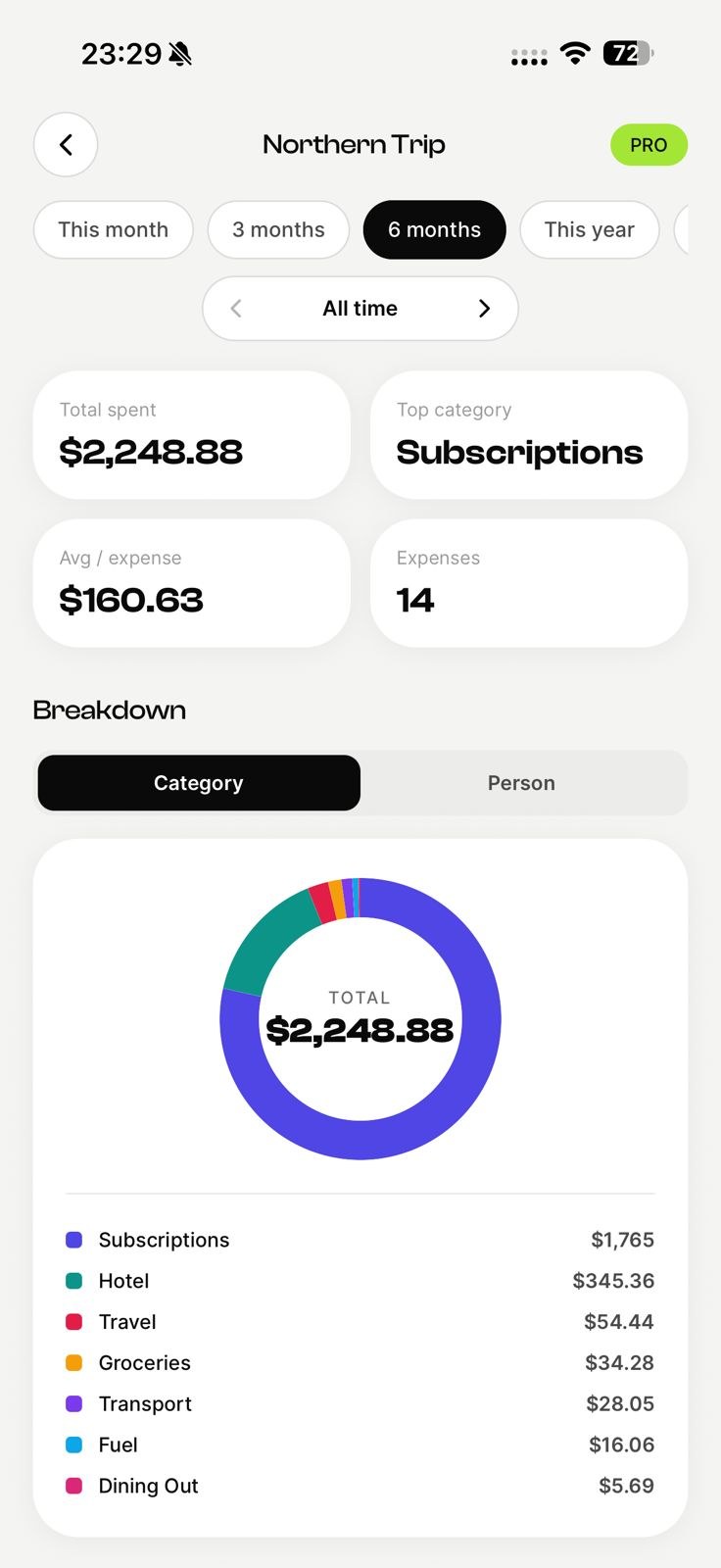
Everyone stays in the loop
Shared balances the whole family can see, updating live across every device. No spreadsheet, no confusion about who paid for what.
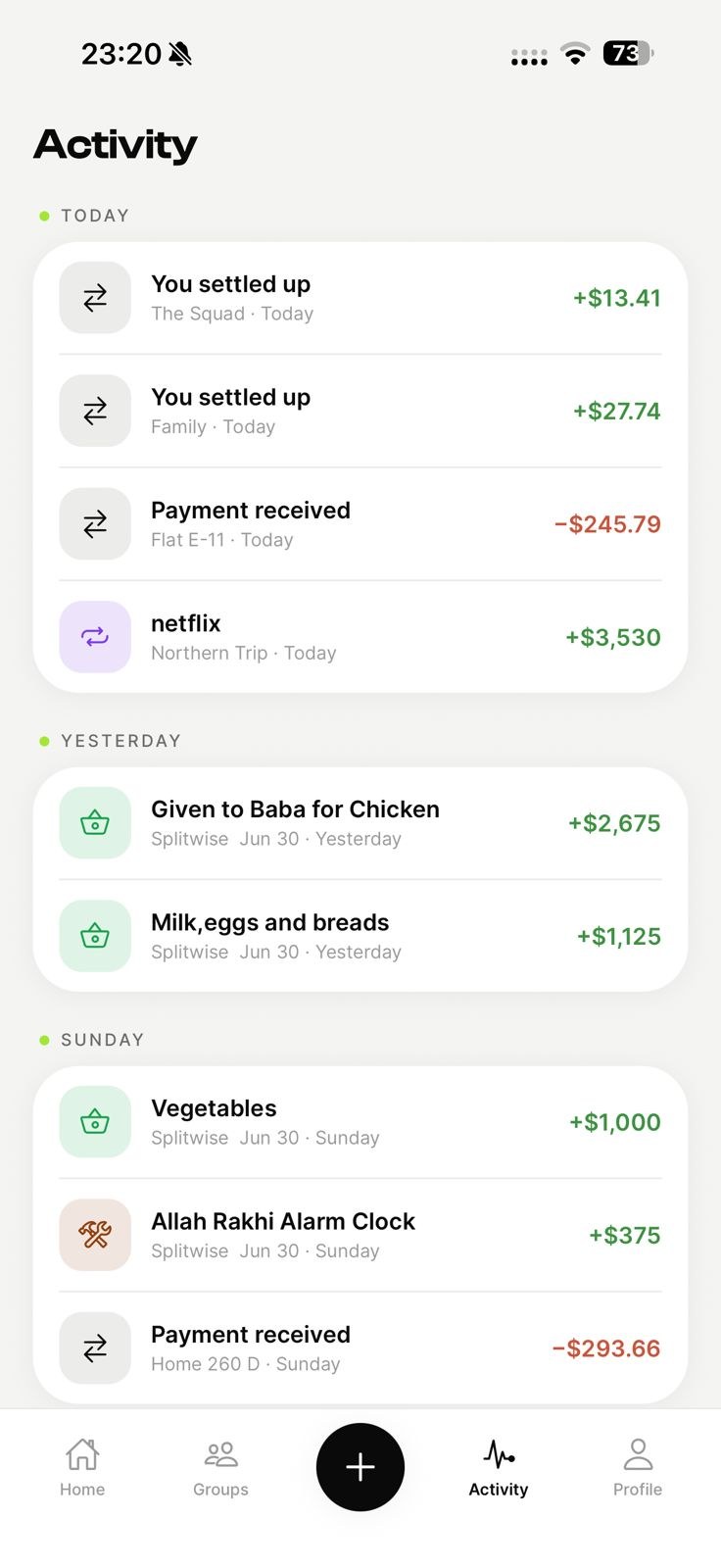
Get started in three steps
Create a family group
Make a group for family and invite everyone by link or QR code.
Log expenses as they happen
Add a cost in seconds and split it any way. Scan the receipt if it's a big one.
Settle up in a tap
See who owes who and clear the balance with the fewest payments.
Why EconoGlance is built for family
Groceries, school supplies, the utility bills — keep the household's shared money in one place, split fairly and tracked over time. EconoGlance keeps family spending fair and transparent, so the group can focus on the good part instead of the maths. Everyone sees the same live balances, every expense is logged in seconds, and settling up takes a single tap — no spreadsheets, no group-chat arguments, and no awkward "you still owe me" texts.
For family, that shows up as recurring household bills, family spending insights, everyone stays in the loop. Split any bill equally, by percentage, by shares or to the exact cent; scan a receipt to split it line by line; set a budget and watch it tick down in real time; and pick any currency per group for trips across borders. It's free to start on iPhone and Android, with no ads — create a group, invite everyone by link or QR code, and you're ready in under a minute.
Frequently asked questions
Create a shared EconoGlance group for family, add everyone, and log expenses as they happen. The app tracks who owes who automatically and shows the simplest way to settle up when you're done.
There is a free plan with no ads and unlimited members, capped at 3 expenses a day and 1 group you create yourself — enough to split, track and settle up for family without paying anything. Pro ($4.99/mo) lifts the caps and adds AI receipt scanning and analytics.
To see balances and settle up in-app, yes. You can still add people who haven't joined yet — they show as pending and count in every split, and they join automatically once they accept your invite.
More ways to split with EconoGlance
The easiest way to split expenses for family.
Scan a receipt, split any bill, and always know who owes who. Available on iOS and Android, with no ads.