For the business trip nobody's finance department is booking.
No company card, no expense platform, no finance team — just you, a stack of receipts and a trip to claim back. Capture each one as it happens, split what the team shared, and export the lot when you get home.
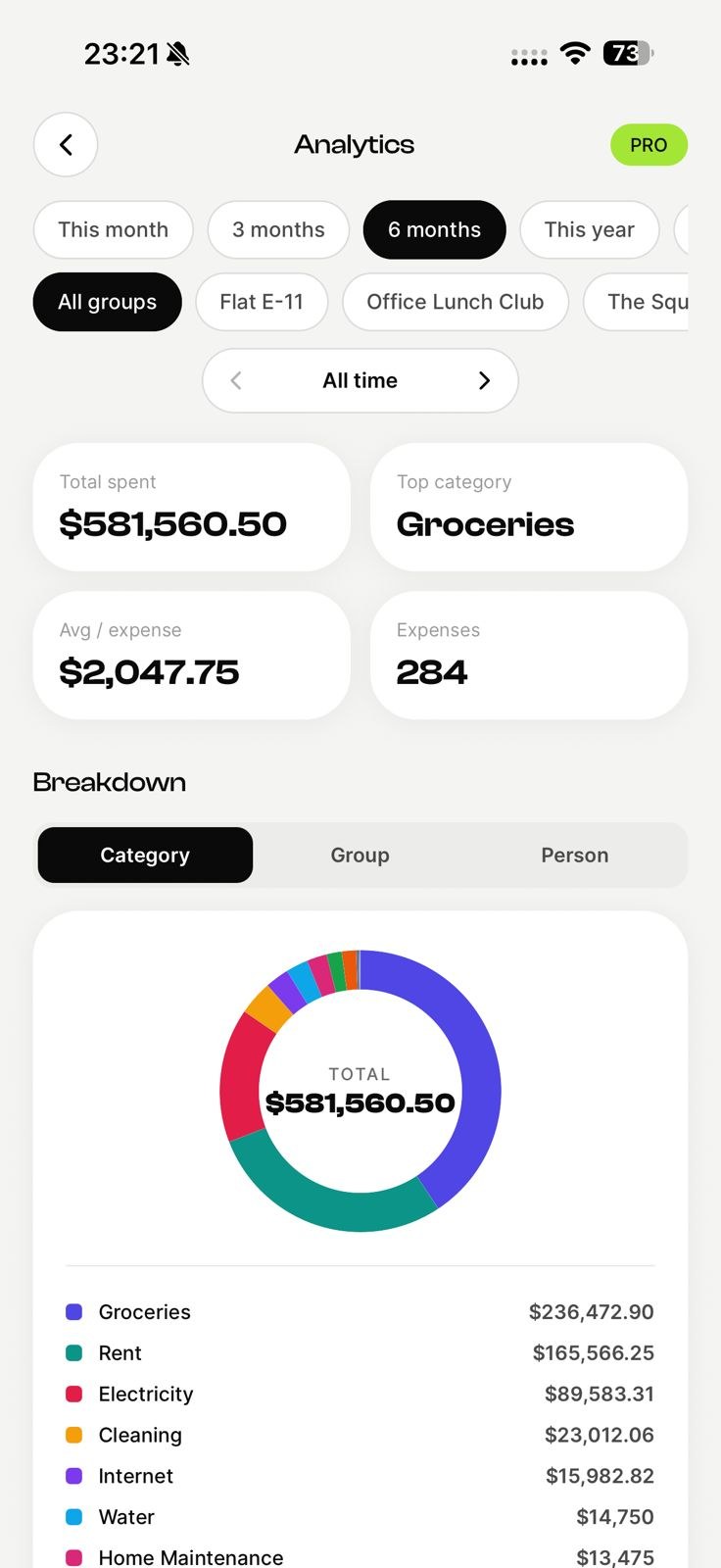
Scan every receipt
AI reads the merchant and total on the spot.
Export to PDF / Excel
One clean, itemized claim for the whole trip.
Split shared costs
Dinners and cabs, squared without a spreadsheet.
Every receipt, captured on the spot
Snap the cab fare, the client lunch, the hotel bill. AI reads the merchant and the total, so nothing is lost by the time you sit down to claim it back weeks later.
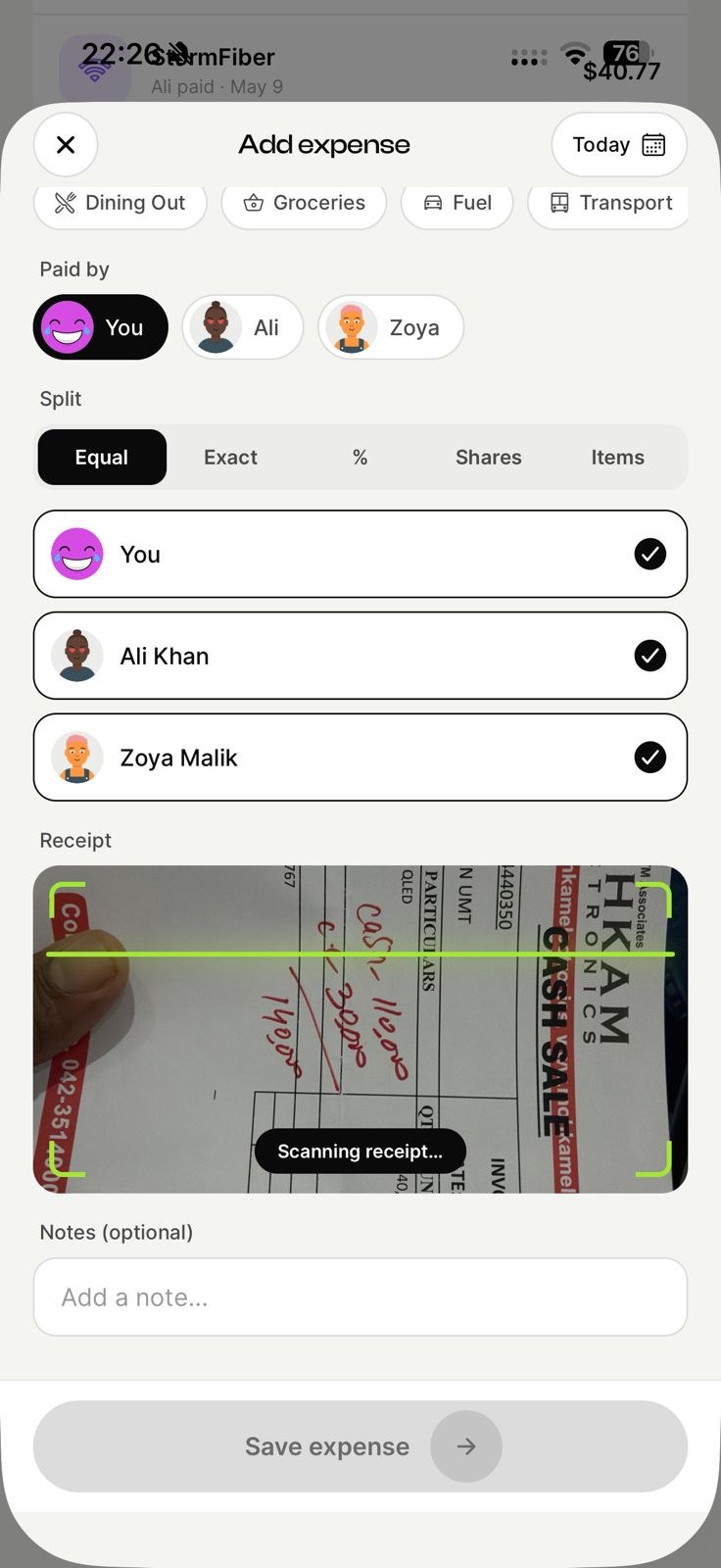
Split what the team shared
One person books the dinner, another covers the taxis. Log it as it happens and the running balance keeps everyone square, without a spreadsheet or an awkward reminder.
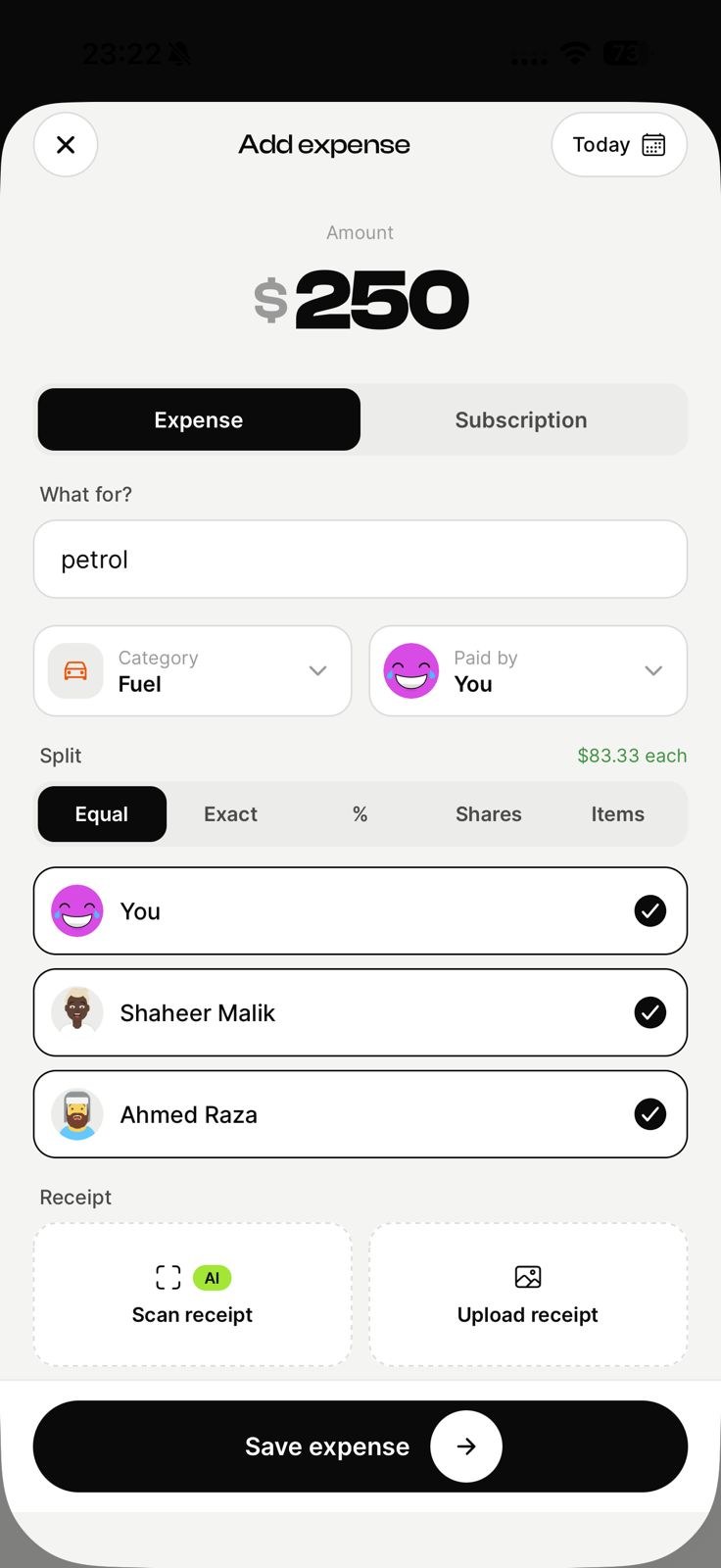
Export the trip as one clean claim
Download the whole trip to PDF or Excel in a tap — itemized, dated, with who paid and how it split. Attach it to an invoice or hand it to whoever signs off.
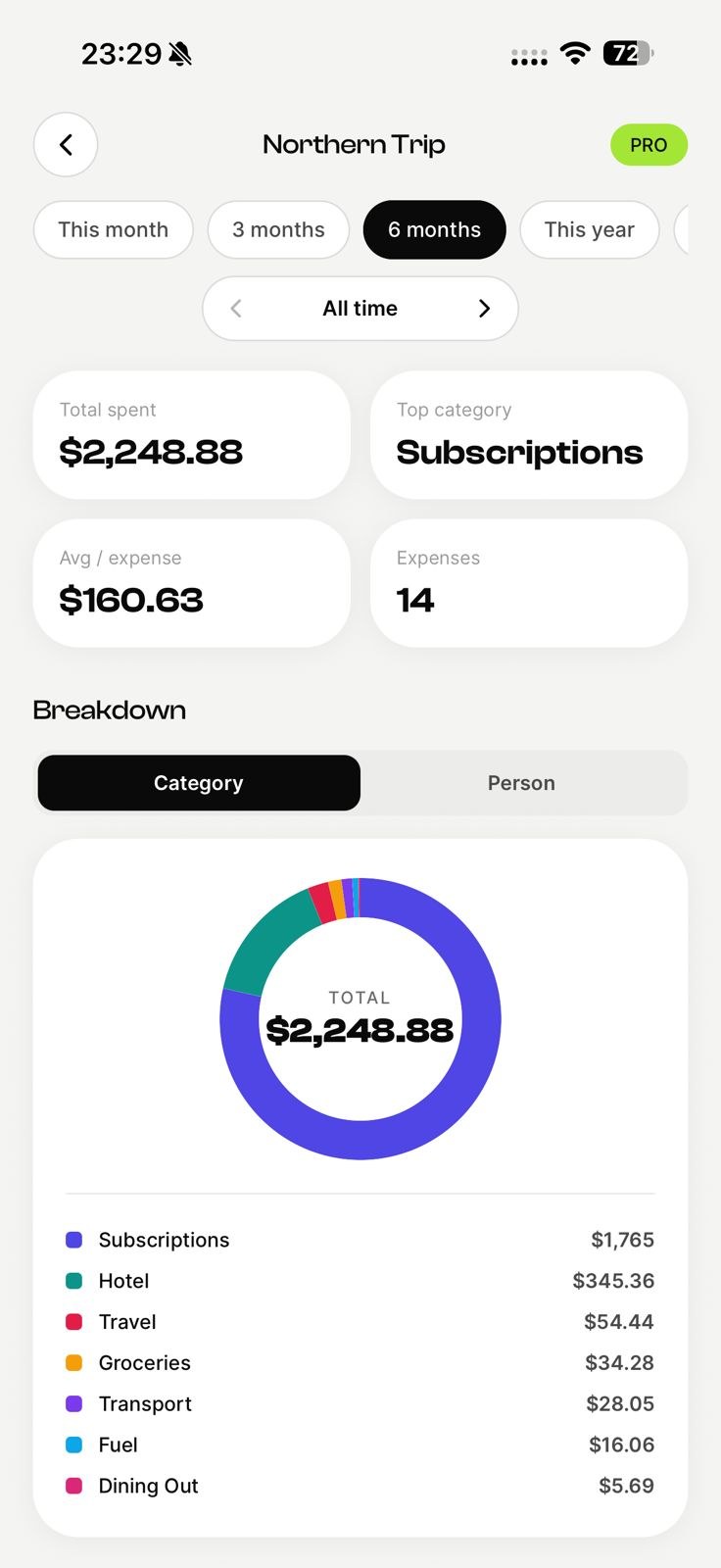
Know the number before the trip ends
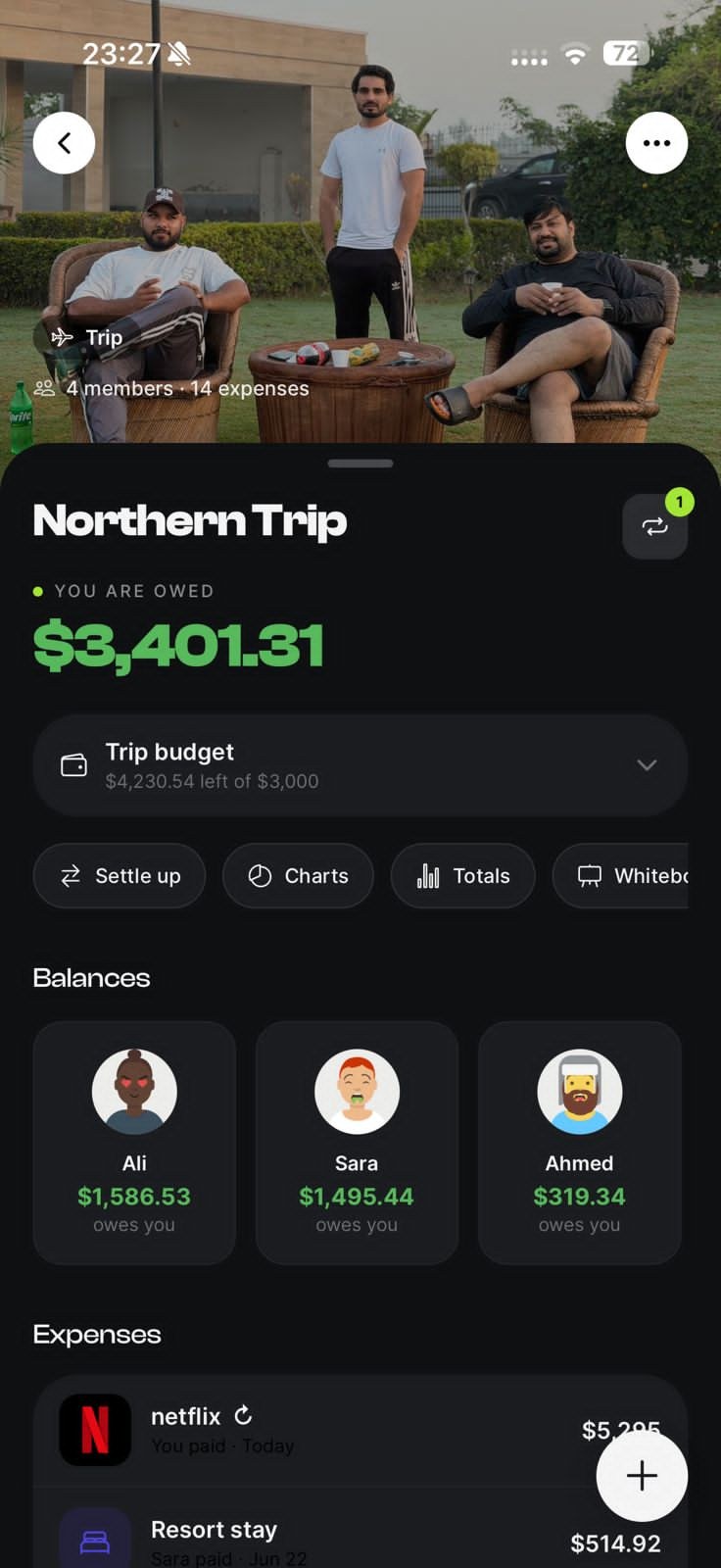
Set a budget per trip and watch it tick down live. Useful when you are billing it to a client, and more useful when you are absorbing it yourself.
What this is not
EconoGlance is not a corporate expense platform. There are no company cards, no approval workflows, no policy engine and no direct sync into Xero, QuickBooks or NetSuite. If you need a CFO to approve spending before it happens, look at Spendesk, Expensify or Ramp — they are built for that and we are not. This is for the freelancer, contractor or small team who just needs every receipt captured, shared costs split fairly, and a clean export at the end.
Get started in three steps
Create a business trips group
Make a group for business trips and invite everyone by link or QR code.
Log expenses as they happen
Add a cost in seconds and split it any way. Scan the receipt if it's a big one.
Settle up in a tap
See who owes who and clear the balance with the fewest payments.
Why EconoGlance is built for business trips
No company card, no expense platform, no finance team — just you, a stack of receipts and a trip to claim back. Capture each one as it happens, split what the team shared, and export the lot when you get home. EconoGlance keeps business trips spending fair and transparent, so the group can focus on the good part instead of the maths. Everyone sees the same live balances, every expense is logged in seconds, and settling up takes a single tap — no spreadsheets, no group-chat arguments, and no awkward "you still owe me" texts.
For business trips, that shows up as scan every receipt, export to PDF / Excel, split shared costs. Split any bill equally, by percentage, by shares or to the exact cent; scan a receipt to split it line by line; set a budget and watch it tick down in real time; and pick any currency per group for trips across borders. It's free to start on iPhone and Android, with no ads — create a group, invite everyone by link or QR code, and you're ready in under a minute.
Frequently asked questions
Create a shared EconoGlance group for business trips, add everyone, and log expenses as they happen. The app tracks who owes who automatically and shows the simplest way to settle up when you're done.
There is a free plan with no ads and unlimited members, capped at 3 expenses a day and 1 group you create yourself — enough to split, track and settle up for business trips without paying anything. Pro ($4.99/mo) lifts the caps and adds AI receipt scanning and analytics.
To see balances and settle up in-app, yes. You can still add people who haven't joined yet — they show as pending and count in every split, and they join automatically once they accept your invite.
The easiest way to split expenses for business trips.
Scan a receipt, split any bill, and always know who owes who. Available on iOS and Android, with no ads.