The faster, cleaner way to split bills.
Money Manager is a single-user expense tracker with strong reports. EconoGlance is the shared-money app — the same logging, plus who owes who. If you never split anything, Money Manager is the simpler choice.
- ✓Split with others, not just track yourself
- ✓Per-person balances and one-tap settle up
- ✓Groups, trips and a subscriptions hub
- ✓A private Personal space when you want it

 Money Manager
Money Manager column based on their own published material (source), checked August 2026. “Not advertised” means we couldn't confirm the feature from Money Manager's own site — not that it's impossible. Our column names the plan each feature is on: EconoGlance Free is capped at 3 expenses a day and 1 group you create. Feature sets change, so check theirs before you decide.
Looking for a Money Manager alternative?
The table above is the feature-by-feature version. The short answer is that people move from Money Manager to EconoGlance for split with others, not just track yourself and per-person balances and one-tap settle up — and they stay because logging an expense takes a couple of seconds rather than a couple of screens.
The honest caveat: if Money Manager already does the one thing your group relies on, switching apps is a cost with no upside. Read the comparison, not the marketing, and stay where you are if that is what it tells you.
There is no automatic importer for Money Manager yet — Splitwise is the only one we ship today — so you would start with whatever your group is splitting now rather than backfilling history.
EconoGlance vs Money Manager: the full picture
Choosing between EconoGlance and Money Manager? Money Manager is a single-user expense tracker with strong reports. EconoGlance is the shared-money app — the same logging, plus who owes who. If you never split anything, Money Manager is the simpler choice. Both apps are worth a look — this page is written by the people who make EconoGlance, so weigh it accordingly and check Money Manager's own site before deciding.
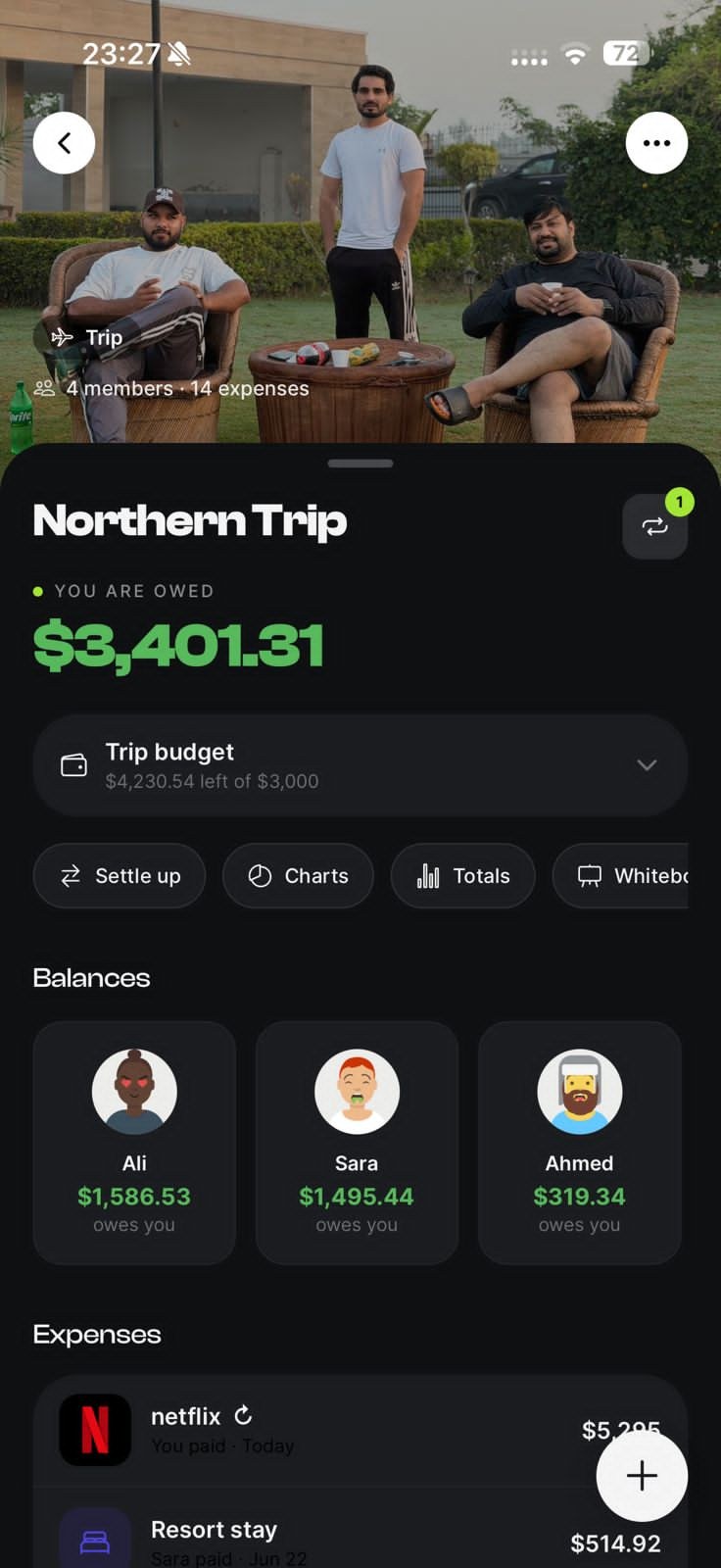
Where EconoGlance pulls ahead: split with others, not just track yourself, Per-person balances and one-tap settle up, Groups, trips and a subscriptions hub, A private Personal space when you want it. You can split any bill equally, by percentage, by shares, by item or to the exact cent, set trip and group budgets, and settle up in a couple of taps — all on the free plan, which is capped at 3 expenses a day and 1 group you create. AI receipt scanning and spending analytics are part of Pro at $4.99/month. There's no automatic importer for Money Manager yet, so you'd start fresh — most people begin with a current group rather than backfilling history.
Frequently asked questions
It's a good fit if you want shared groups, balances and settling up with no ads on any plan, plus trip budgets and a private Personal space. If you rely on something Money Manager does that we don't, stay with them — we'd rather you keep the app that fits.
Not automatically — the only importer we ship today is for Splitwise. You can re-create a Money Manager group by hand, and most people just start with what they're splitting now.
There's a free plan with no ads: unlimited members, unlimited groups you're invited to, 3 expenses a day and 1 group you create yourself. Pro ($4.99/month) lifts those caps and adds AI receipt scanning, analytics and unlimited Splitwise imports.
Switch from Money Manager in a few taps.
Scan a receipt, split any bill, and always know who owes who. Available on iOS and Android, with no ads.