Move Your History in Seconds
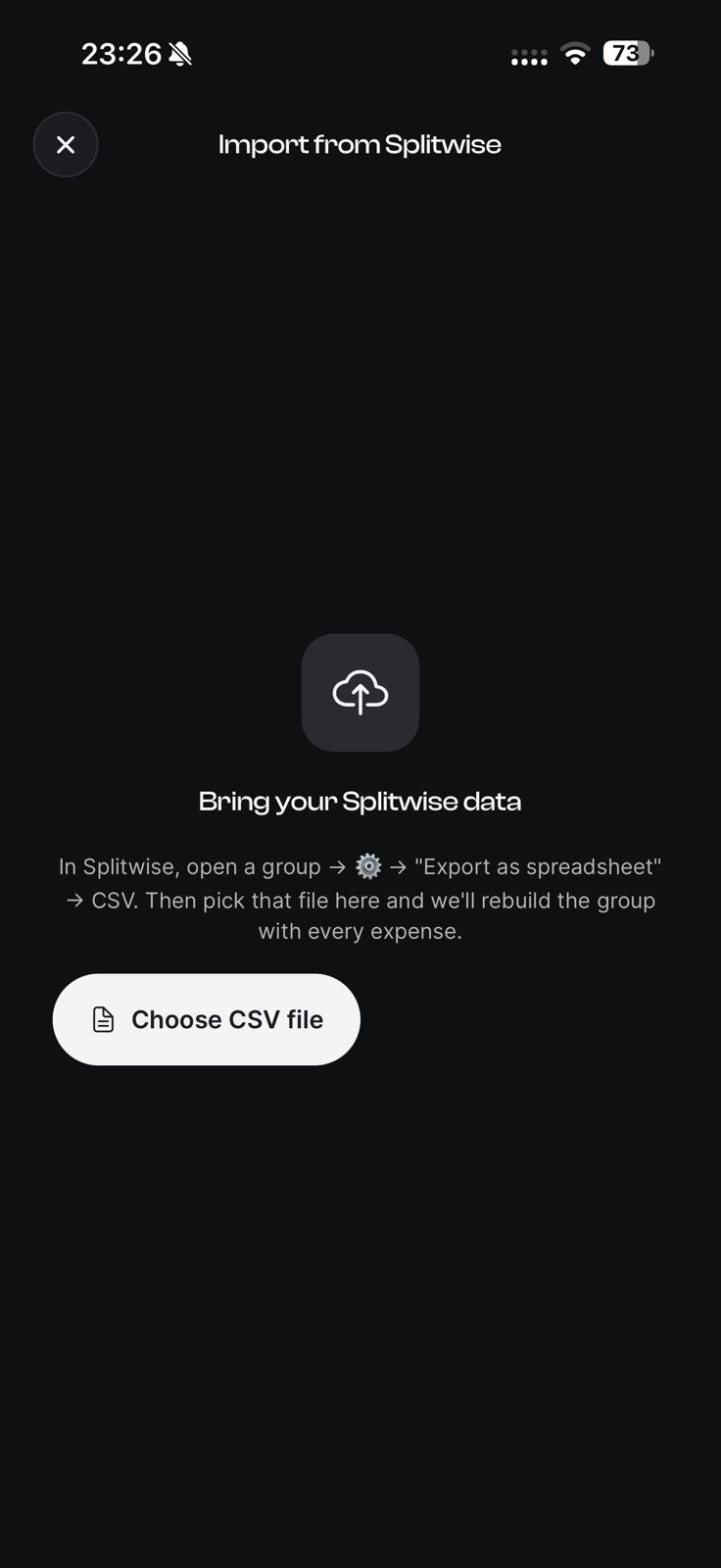
Coming from Splitwise? Export your group as a spreadsheet and import the CSV — EconoGlance rebuilds every expense, member and payment for you.
- ✓One-tap CSV import from Splitwise
- ✓Expenses, members and settlements preserved
- ✓Match people to contacts or invite them
- ✓Your Splitwise data stays untouched
Splitwise import at a glance
- What it does
- Import a Splitwise group from its CSV export, rebuilding expenses, members and settlements.
- Plan
- Free, with one import. Pro allows unlimited imports.
- Limits
- The free plan includes 1 full-history Splitwise import. Your Splitwise data is not modified or deleted. Splitwise is the only app EconoGlance can import from.
- Available on
- iPhone and Android. There is no web app — econoglance.com is the marketing site only.
More about splitwise import in EconoGlance
EconoGlance is the apps like splitwise built for the messy reality of shared money, not for spreadsheets. Coming from Splitwise? Export your group as a spreadsheet and import the CSV — EconoGlance rebuilds every expense, member and payment for you. Whether you're splitting with roommates, a partner, friends or the whole family, everything lives in one shared, always-up-to-date place — so nobody has to be the person keeping a running tally in their head or chasing money at the end of the month.
In practice, that means you can one-tap CSV import from Splitwise, expenses, members and settlements preserved and match people to contacts or invite them. Your Splitwise data stays untouched. It works identically on iPhone and Android, syncs instantly for everyone in a group, and never shows a single ad. EconoGlance is free to start, so you can create your first group and feel how fast splitwise import is in under a minute — then upgrade to Pro only if you want AI receipt scanning and spending analytics on top.
Frequently asked questions
Expense tracking, flexible bill splitting, group balances and one-tap settle up are all on the free plan, which is capped at 3 expenses a day and 1 group you create yourself. Pro ($4.99/month) lifts those caps and adds AI receipt scanning and spending analytics.
Yes. EconoGlance is available on both iOS and Android with the same experience, and your groups, expenses and balances stay in sync across every device automatically.
EconoGlance combines fast expense logging, five flexible split methods, AI receipt scanning, trip budgets and spending analytics in one clean, ad-free app. Most alternatives only do part of that, or bury it behind a cluttered interface.
Explore more of EconoGlance
Stop fronting the bill and forgetting.
Scan a receipt, split any bill, and always know who owes who. Available on iOS and Android, with no ads.