Connecting your bank is genuinely convenient. Transactions appear without typing, categories fill themselves in, and nothing gets missed.
It is also the single biggest privacy decision in personal finance software, and it is usually presented as a setup step rather than a decision.
What a connection actually shares
Not just the amounts. The full picture.
- Every transaction, including ones unrelated to what you are tracking
- Merchant names, which reveal health, religion, politics and relationships
- Balances and often salary, since income lands in the same feed
- Historic data, frequently going back years before you installed the app
The merchant detail is the part people underestimate. A transaction list is one of the most revealing datasets about a person that exists. It shows where you were, when, how often, and with what regularity.
The aggregator in the middle
Most apps do not connect to your bank directly. They use an aggregator.
That means a third company you did not choose, and may never have heard of, holds the connection and the data. Your trust decision is therefore about at least two organisations, and their business models may differ.
This is not automatically sinister. Aggregators are regulated in many markets and some are very careful. But it is worth knowing the chain exists, because the app's privacy policy is not the only one that applies to you.
How these companies make money
Ask the question directly of any free finance app.
| Model | What it means for your data | How to spot it |
|---|---|---|
| Subscription | You are the customer | A clear paid tier and no ads |
| Referral or affiliate | You get nudged towards products | Credit card and loan recommendations |
| Aggregated insights | Your spending is a data product | Vague policy language about anonymised analytics |
| Advertising | Targeting based on behaviour | Ads inside the app |
The third row is the one to read carefully. Anonymised is doing a lot of work in most policies, and transaction data is notoriously easy to re-identify.
Where automatic import genuinely fails
There is a practical argument too, quite apart from privacy.
For shared expenses, a bank feed is actively unhelpful. It knows you spent 84 at a restaurant. It does not know that four people were there, that two of them are paying you back, or that one person did not drink.
So every imported shared transaction needs manual work anyway: who was involved, how it splits, and what it was for. The import saves the typing of an amount, which was never the hard part.
That is the reason splitting apps generally do not connect to banks. The information they need does not exist in a bank feed. See bill splitting for what does have to be captured.
When a connection is the right call
Being fair about it: automatic import is genuinely better in specific cases.
- Tracking total personal spending across many accounts and cards
- Catching subscriptions you have forgotten about
- Reconciling at year end for tax
- Anyone who will not maintain manual entry, since imperfect data beats none
If your goal is to understand where your own money goes and you know you will not log things by hand, a connection is a reasonable trade. Make it knowingly rather than by default.
The middle path
Scanning gets you most of the speed without the connection.
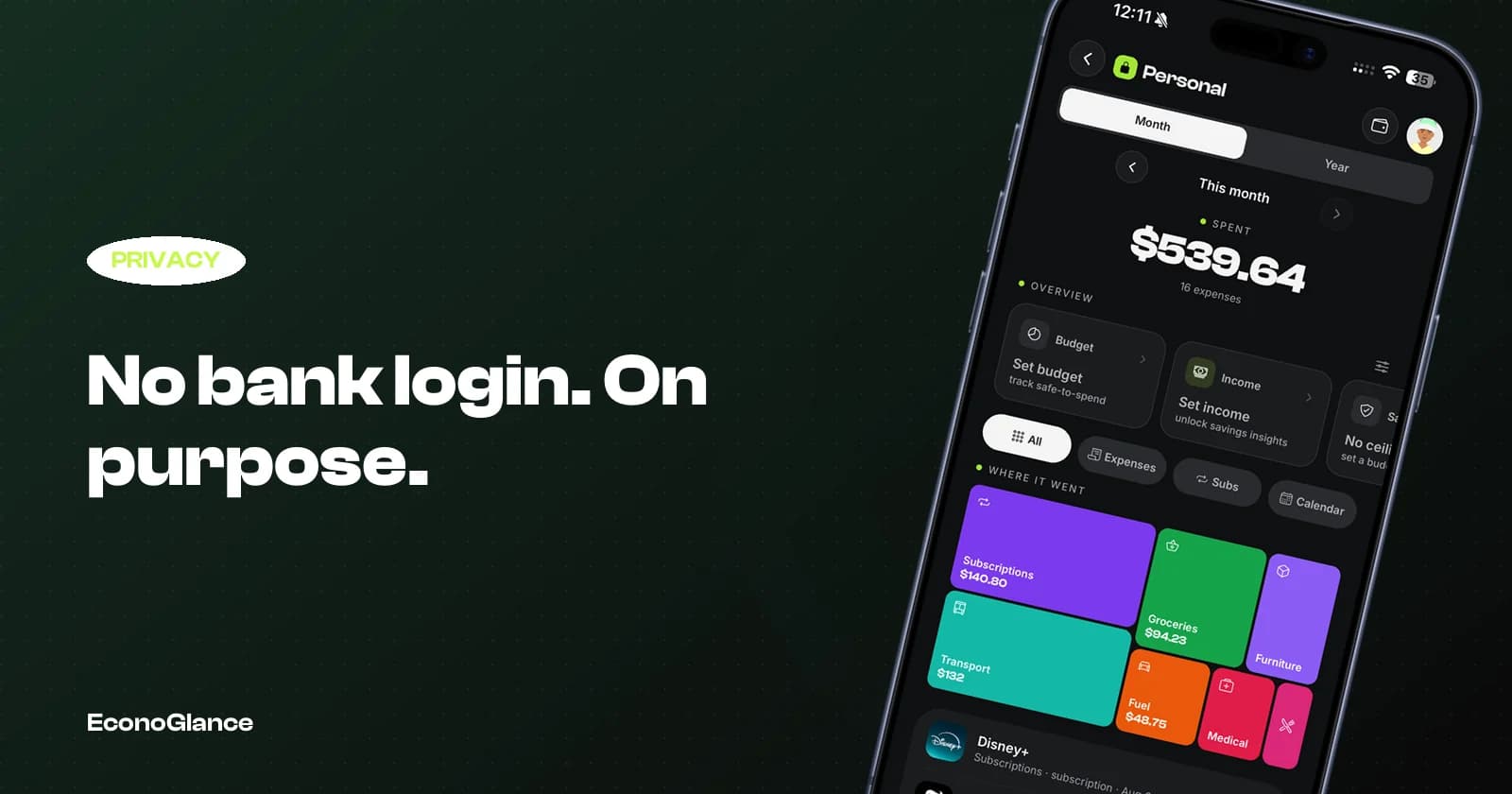
A receipt photo produces a filled in expense with the line items, which is more detail than a bank feed provides, without any access to your accounts. EconoGlance works this way deliberately: no bank login, receipt scanning for speed, and card records that store only a name and the last four digits. See the best apps that scan receipts and our privacy policy.
Questions worth asking any finance app
Before you connect anything.
- Who else receives this data, including aggregators and analytics providers?
- Can I delete it, and does deletion reach the aggregator too?
- How does the company make money if I never pay?
- Can I use the app fully without connecting an account?
- Where is the data stored, and under which jurisdiction?
An app that answers all five clearly is one you can make an informed decision about. An app that makes any of them hard to find has told you something too.