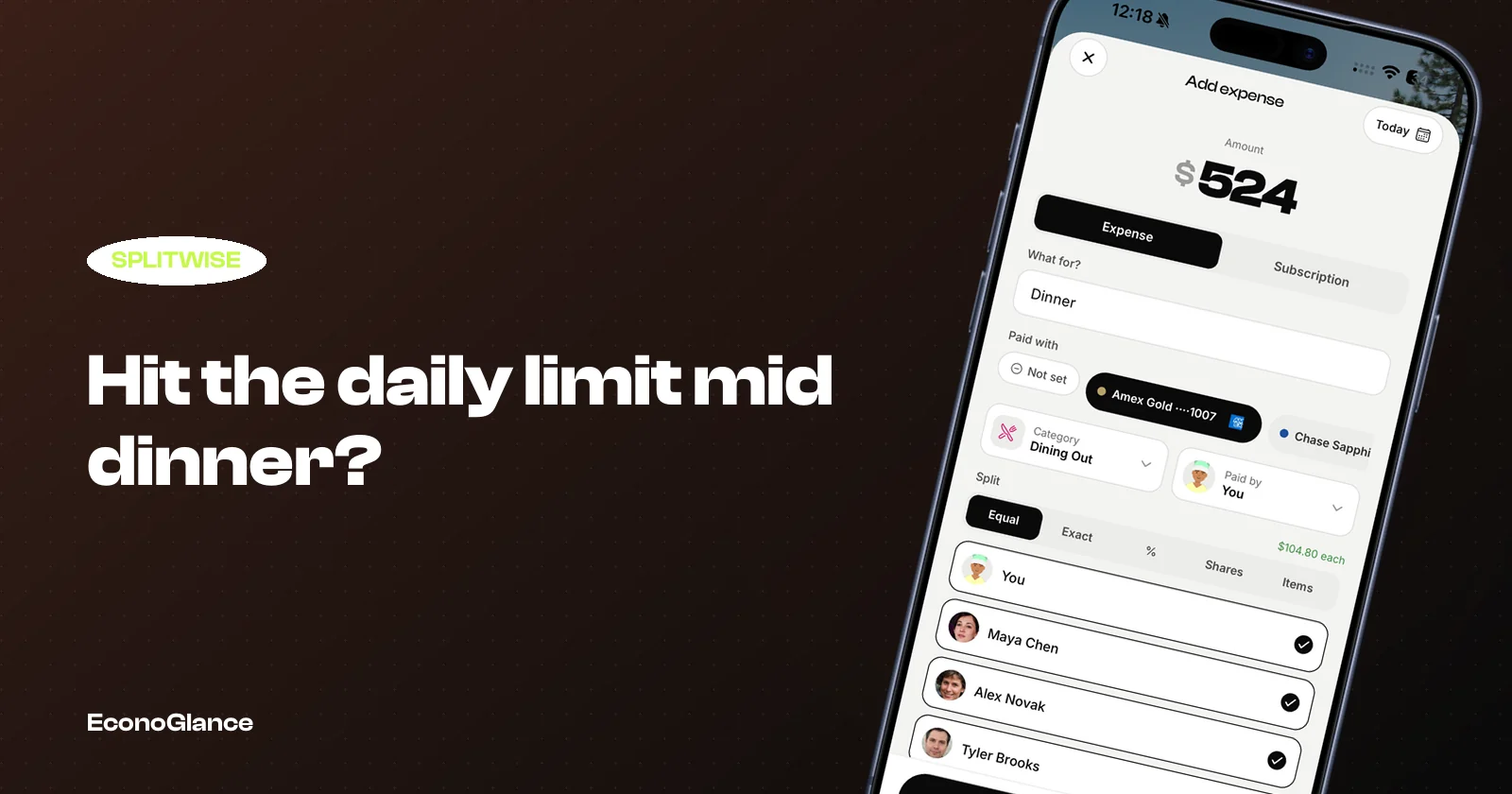
There is a specific moment this bites. Dinner is over, the card machine is going round, and you open the app to log it while you still remember who had what. Instead of the expense form, you get an upgrade prompt.
This guide covers what the limit actually counts, the five realistic workarounds, and how to tell when working around it costs more than fixing it.
What the limit actually counts
The cap applies to expenses you create in a rolling day, across every group you are in. It is not per group, which is the first thing most people assume.
So three dinners in your flat group and two taxis in your trip group draw from the same allowance. The exact number has moved around between regions and app versions, so treat any figure you read online as approximate and check what your own account shows.
Settlements and comments generally do not count. It is the act of creating an expense that does.
Workaround 1: batch it the next morning
The obvious move. Note things down as they happen, then enter them tomorrow when your allowance resets.
It works, and it is free. The cost is accuracy. Nobody remembers on Sunday morning whether Priya paid for the second round or whether that was Sam, and the longer you leave it the more the group ends up guessing.
If you do batch, at least capture a photo of each receipt at the time. A photo is a perfect record and it takes two seconds. The typing can wait.
Workaround 2: one person logs everything
Groups drift into this naturally. One organised person becomes the keeper of the ledger.
This does not solve the limit, it concentrates it. That person now hits the cap faster than anyone, because every group expense routes through their account. It also makes the record fragile: when they are busy or on a flight, the ledger simply stops.
There is a social cost too. The person doing the logging becomes the person chasing payments, and those are two very different jobs to volunteer for.
Workaround 3: combine expenses
Instead of logging four items, log one called "Saturday" with the total.
This keeps you under the cap and keeps the balance correct, which is genuinely fine if the group splits everything the same way. It falls apart the moment one person did not join for dinner, because now you cannot separate their share out without redoing the whole entry.
Use it for a day where the group stayed together. Avoid it for a day where people came and went.
Workaround 4: keep a spreadsheet alongside
Some groups run a shared sheet for the overflow and reconcile later.
Be honest about what this is: you are now maintaining two systems that disagree with each other, and someone has to merge them. Most groups do this for one trip and never again.
Workaround 5: pay for Pro
The intended answer, and a perfectly reasonable one.
If you split most weeks and the app saves you a recurring argument, the subscription is cheap for what it does. We wrote an honest breakdown in is Splitwise Pro worth it, including when the answer is genuinely yes.
The workarounds compared
When the workaround becomes the problem
Here is a simple test. If you have used a workaround more than twice this month, the limit is not an occasional inconvenience, it is now part of your routine.
At that point you are spending real effort every week to avoid a cost, which is usually a sign the tool has stopped fitting the job. Either pay and stop thinking about it, or move to something whose free tier matches how you actually split.
If you do move, you do not need to abandon your history. EconoGlance imports a Splitwise CSV with every expense, member and settlement intact, walked through step by step in moving from Splitwise without losing your history.
Whatever you choose, export first
Before you change anything, export your groups. It takes a minute, it costs nothing, and it means no future pricing decision is ever made for you.
Your expense history is a record of real money between real people. Having your own copy is just sensible, in the same way as keeping bank statements.