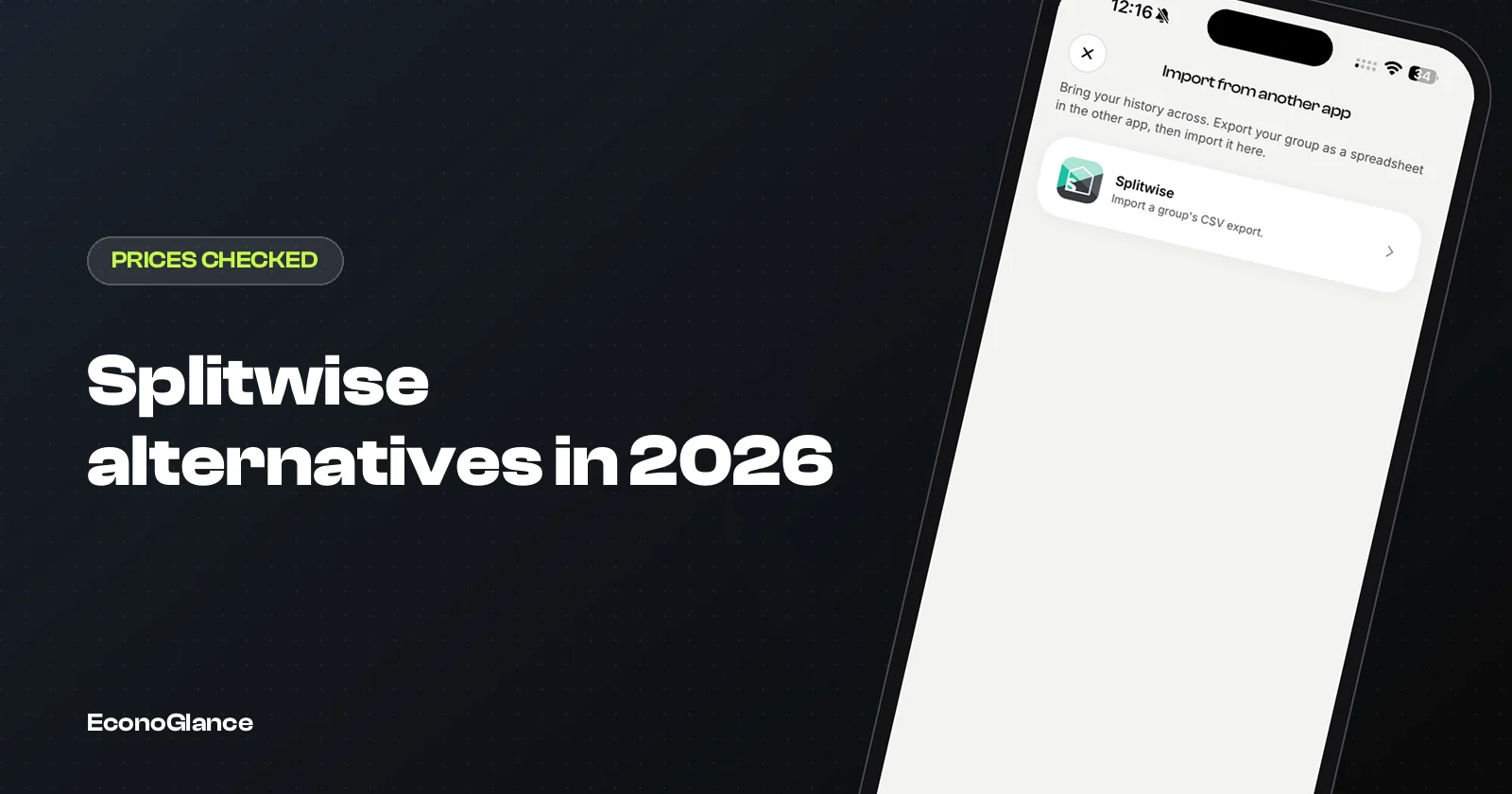
The best Splitwise alternatives in 2026 are Tricount, Splid, Settle Up, Spliit and EconoGlance. Which one is best depends on what pushed you away from Splitwise. If it was the daily limit on the free plan, Tricount and Splid have none. If it was price, Settle Up's yearly plan costs about half of Splitwise Pro's. If you want features Splitwise does not have, EconoGlance adds savings circles and an AI receipt scanner and imports your Splitwise history directly.
We make EconoGlance, so read this with that in mind. To keep it fair, every price and rating comes from each app's US App Store listing on 1 October 2026, with links in the sources. Prices differ by country, so check your own store before you pay.
The short answer
One line per app, before the detail.
| App | Free plan | Paid options (US) | App Store rating | Best for |
|---|---|---|---|---|
| Splitwise | Daily expense limit, ads | Pro subscription; purchases listed from $2.99 to $39.99 | 4.0 (28,340 ratings) | Groups already using it |
| Tricount | Free, no ads, no expense cap | None | 4.9 (7,217) | Anyone who wants free with no limits |
| Splid | Free, no ads, not a subscription | Splid Plus $3.99, extra groups $2.99 | 4.9 (4,098) | Trips and one-off groups |
| Settle Up | Free with ads | Premium $3.99 a month or $19.99 a year; group passes | 4.8 (1,740) | Price-conscious groups who want extras |
| Spliit | Free, open source, no account, no ads | None | Too few ratings to show | Privacy-minded users, web and iPhone |
| EconoGlance | 3 expenses a day, 1 group you create, no ads | Pro $4.99 a month, 3-day trial | Too few ratings to show | Receipt scanning, kametis, Splitwise switchers |
Tricount: the best free option
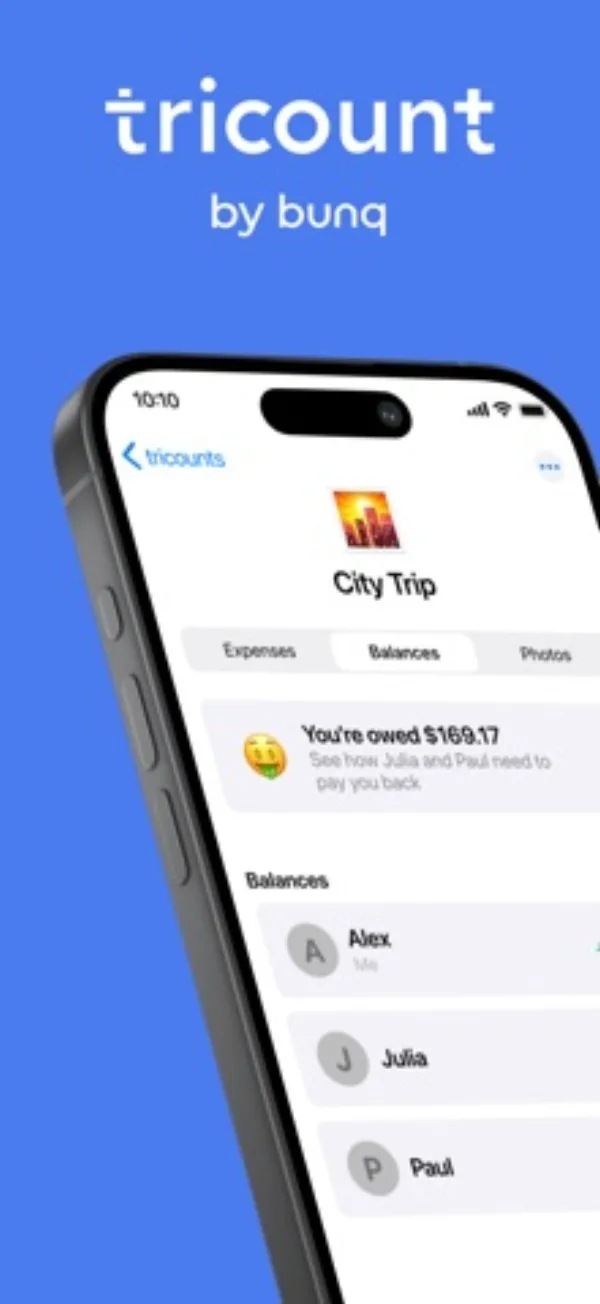
Tricount is free, has no ads and no limit on expenses or groups. Its own site says it plainly: no ads, no daily expense cap.
It is owned by bunq, the Dutch bank, which bought it in 2022, and it can pull payments from a bunq account. That is how it stays free. It is especially strong for trips in Europe. It does not scan receipts or run savings circles, but for plain splitting, nothing on this list beats it on price.
Splid: free, no subscription
Splid is free, ad-free and, in its own words, not a subscription app.
It works offline and without sign-up, which makes it good for trips where some people will never create an account. Paid extras are one-time purchases: Splid Plus at $3.99 adds Excel export, and $2.99 buys extra groups. If you split a few trips a year and hate subscriptions, Splid is a very good answer.
Settle Up: generous free plan, cheapest yearly upgrade
Settle Up's free plan does not put transactions or exports behind a paywall, but it shows ads.
Premium removes ads and adds receipt photos, recurring expenses, custom categories and charts, at $3.99 a month or $19.99 a year. It also sells passes for a single group, from $5.99 for a week up to $149.99 for a lifetime group, which suits a one-off trip where one person pays for everyone. It runs on iPhone, Android and the web.
Spliit: open source and private
Spliit is a free, open-source app with no ads and no account needed.
It started on the web and now has an iPhone app that keeps groups in iCloud and reads receipts on the device. If you care most about privacy and owning your data, it is worth a look. The iPhone app is new and has very few ratings so far, so judge it by trying it rather than by its score.
EconoGlance: for receipts, kametis and switching
EconoGlance is the app we make, so here is the honest version of where it fits.
Its free plan has no ads, unlimited members and every split method, but it is capped at 3 expenses a day and 1 group you create. If free and unlimited is what you need, Tricount is the better choice. EconoGlance earns its place with three things the others on this list do not combine: AI receipt scanning that reads line items and splits them (Pro, up to 80 scans a month), built-in kametis and savings circles, and a direct import of your Splitwise CSV that rebuilds expenses, members and settlements.
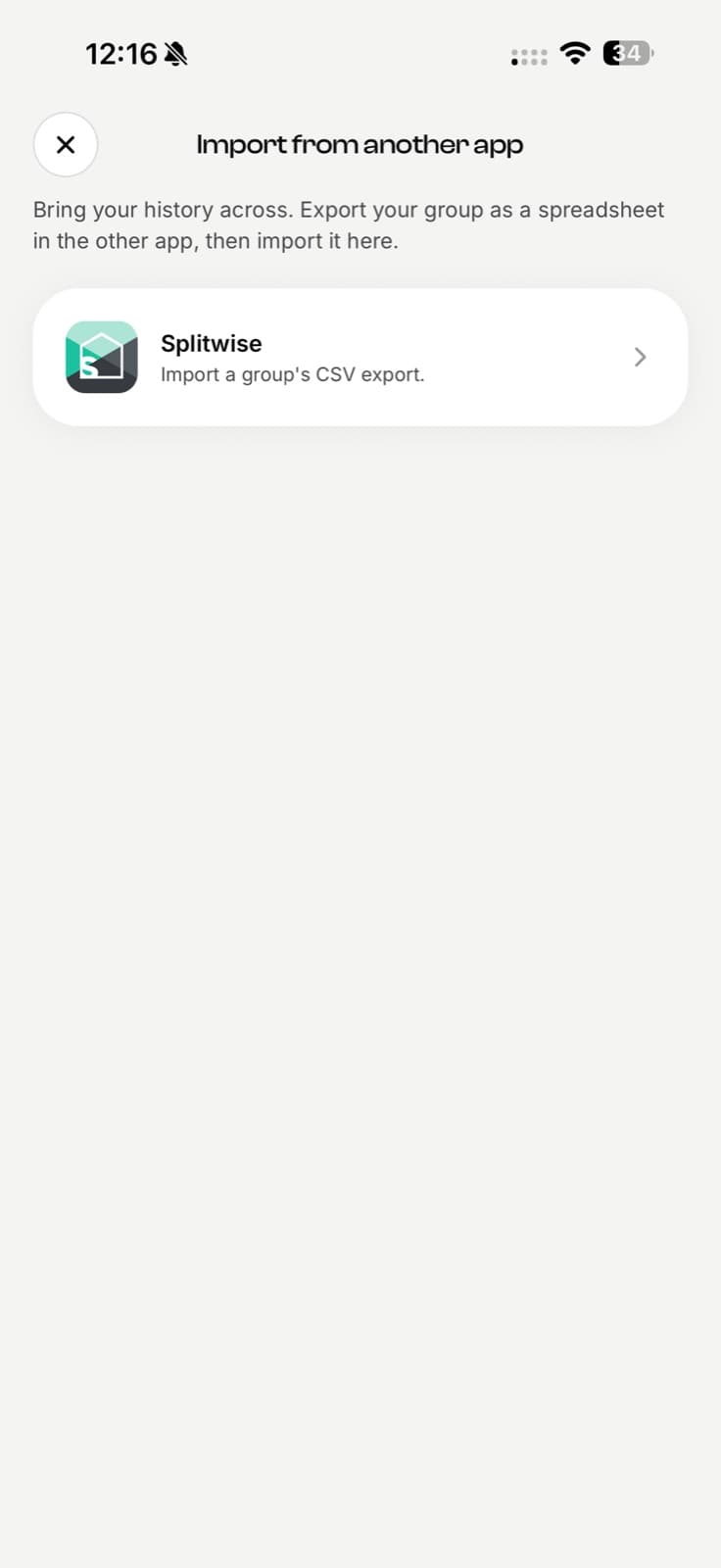
Pro is $4.99 a month after a 3-day free trial, the same monthly price Splitwise Pro is commonly listed at in the US. EconoGlance runs on iPhone and Android. It has no web app and does not connect to bank accounts.
How to choose
Match the app to the reason you are leaving.
| If you left Splitwise because | Try first |
|---|---|
| You keep hitting the daily limit | Tricount or Splid |
| You do not want another subscription | Splid or Tricount |
| You want paid features cheaper | Settle Up Premium yearly |
| You want everything private and open source | Spliit |
| You want receipt scanning or to run a kameti | EconoGlance |
| You cannot lose years of history | Any app that imports, or EconoGlance's direct CSV import |
Before you switch
Whatever you pick, export your Splitwise groups first.
Each Splitwise group can be exported as a CSV from its settings. Keep the files even if you never import them: they are your record of shared money. The step-by-step move is in moving from Splitwise without losing your history, and the head-to-head is on EconoGlance vs Splitwise. For what Splitwise Pro itself costs now, read Splitwise Pro in 2026: what it costs.