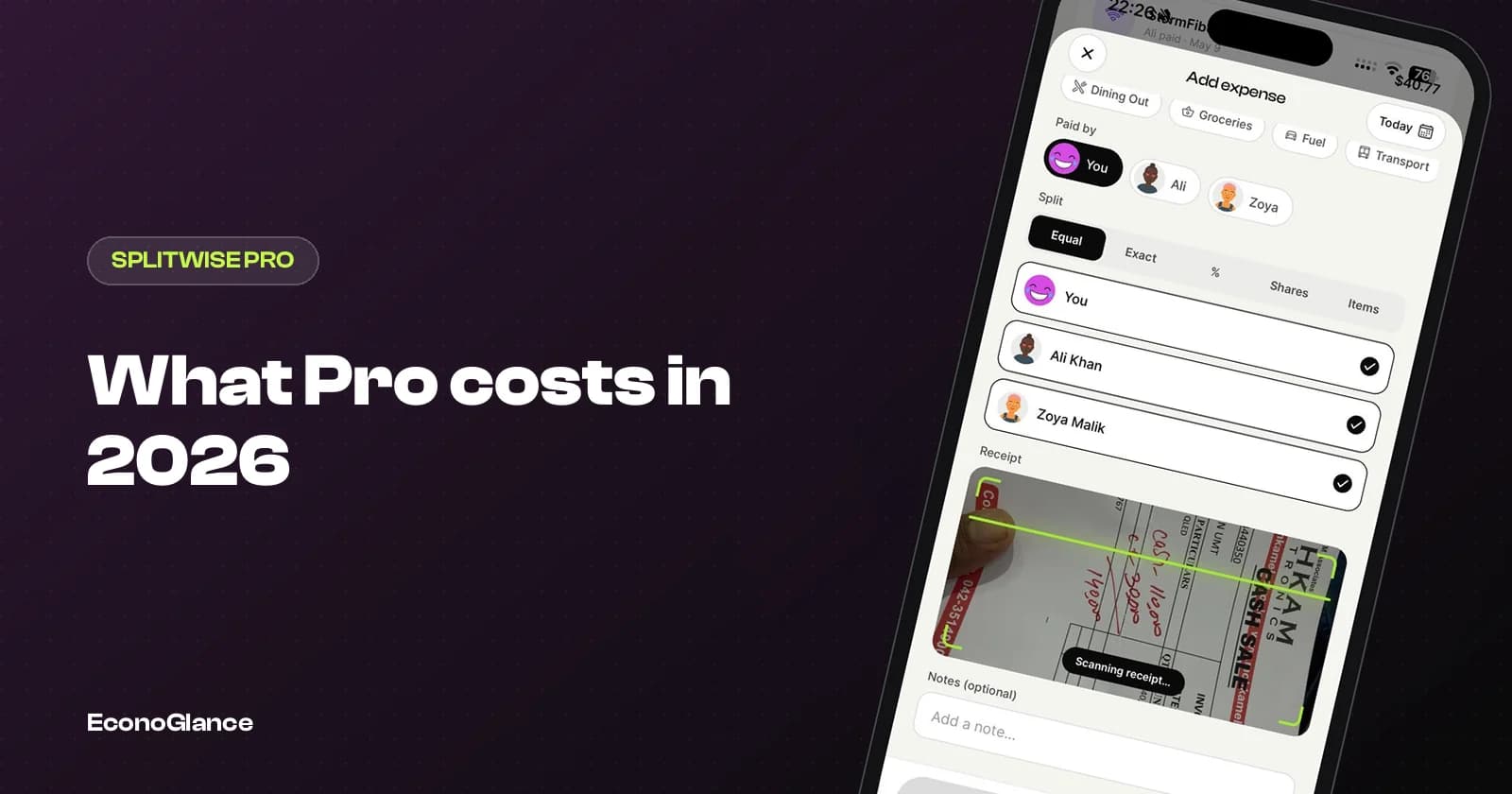
Splitwise Pro is a subscription that removes the daily expense limit on Splitwise's free plan and adds paid features such as receipt scanning, currency conversion and charts. On the US App Store, Splitwise lists Pro purchases at $2.99, $3.99, $4.99, $29.99 and $39.99. The prices most widely reported for the US are $4.99 a month or $39.99 a year.
Splitwise's own Pro page lists the features but not the price, and the price varies by country and by promotion. This guide covers what is published, what you get, and how to find the exact price for your account. For the separate question of whether it is worth paying, read our honest verdict on Splitwise Pro.
What Splitwise Pro costs
Every figure here is from the US App Store listing, checked on 1 October 2026.
| Plan | US price | Per year |
|---|---|---|
| Monthly | $4.99 a month (commonly reported) | $59.88 |
| Yearly | $39.99 a year (commonly reported) | $39.99 |
| Other listed purchases | $2.99, $3.99, $29.99 | Regional, older or promotional prices |
The yearly plan works out to about $3.33 a month, roughly a third cheaper than paying monthly. Apple lists every price a developer offers, including older or regional tiers, which is why more prices appear than there are plans. The price shown inside the app on your phone is the one you will pay.
What you get with Pro
From Splitwise's own feature list.
| Feature | Free | Pro |
|---|---|---|
| Adding expenses | Daily limit | Unlimited |
| Ads | Yes | Ad free |
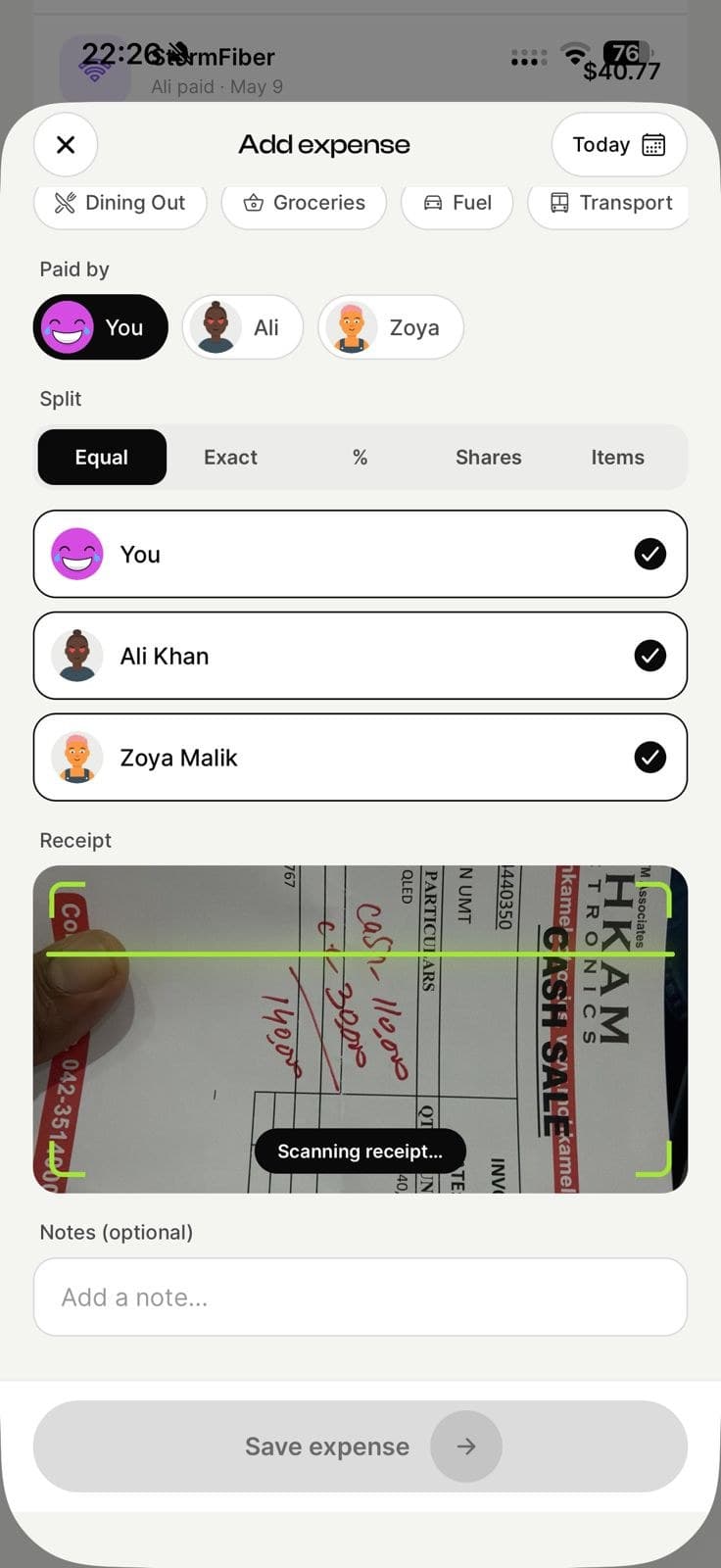
| Receipt scanning and itemization | No | Yes |
| Currency conversion | No | Yes |
| Charts and spending by category | No | Yes |
| Expense search | No | Yes |
| Transaction import | No | Yes, US only |
| Default split settings for groups | No | Yes |
On the App Store, Splitwise also lists 10 GB of cloud storage for receipts and JSON backups among the Pro features.
The free plan's daily limit
Splitwise confirms in its help centre that the free plan has a daily expense limit, but it does not publish the number.
Its stated reason is sustainability: the free tier has to be balanced against paid plans. Once you reach the limit you can wait for it to reset, ask someone else in the group to add the expense, or subscribe. The workarounds are ranked in our guide to the Splitwise daily limit.
How much a group really pays
Pro is bought per person, not per group.
| Who subscribes | Yearly plan | Monthly plan |
|---|---|---|
| Just you | $39.99 | $59.88 |
| A couple | $79.98 | $119.76 |
| Four flatmates | $159.96 | $239.52 |
In practice, many groups have one person on Pro who adds most of the expenses. That works, but it quietly turns that person into the group's bookkeeper.
How to check your exact price
Because prices vary by country, check before you decide.
- On iPhone: open Splitwise, go to Account, then the Pro option. The price shown is in your App Store currency.
- On Android: the same screen shows your Google Play price.
- Existing subscription: iPhone Settings, your name, Subscriptions. On Android, Play Store, Payments and subscriptions.
- Cancel at least 24 hours before renewal to avoid being charged for the next period, as Apple's subscription terms require.
Cancelling, renewals and refunds
Pro is billed by Apple or Google, not by Splitwise directly, so their rules apply.
- Cancel from your phone's subscription settings, not by deleting the app. Deleting the app does not stop billing.
- After cancelling, Pro usually stays active until the end of the period you paid for.
- Yearly plans renew automatically for another full year. Put the renewal date in your calendar if you are unsure you will want it.
- On iPhone, refund requests go through Apple at reportaproblem.apple.com. On Android, through Google Play's order history. Neither is guaranteed.
If you only need Pro for a busy month, such as a trip, a monthly subscription cancelled afterwards can cost less than a year you barely use. If you add expenses every week, the yearly plan is the better deal.
How Pro compares on price
Other apps price their upgrades differently. US App Store prices, 1 October 2026.
| App | Monthly | Yearly | Free plan |
|---|---|---|---|
| Splitwise Pro | $4.99 (reported) | $39.99 (reported) | Daily limit, ads |
| Settle Up Premium | $3.99 | $19.99 | No transaction limit, ads |
| EconoGlance Pro | $4.99 | Shown in app, varies by region | 3 expenses a day, 1 group you create, no ads |
| Tricount | Free | Free | No limits, no ads |
| Splid | One-time $3.99 Plus | Not a subscription | No ads |
If you are weighing up a switch, the best Splitwise alternatives, with prices checked compares all of them, and is Splitwise Pro worth it helps you decide whether to pay at all.