Travel breaks expense apps in ways that everyday use never does. Three currencies, no signal on a train, one person paying for everything in cash, and a group where somebody is on an old Android phone.
This guide is about what to look for rather than a ranked list, because the right choice depends on your group more than on the feature count.
The five things that actually matter
In roughly this order.
| Requirement | Why it matters abroad | How to test it |
|---|---|---|
| Offline entry | You will log things on planes and in dead zones | Turn on airplane mode and add an expense |
| Original currency stored | Rates move, and a converted number loses the truth | Add a foreign expense and check it still shows the original |
| Fast entry | Nobody logs anything that takes a minute | Time yourself adding a coffee |
| Everyone can join | Half your group will not install a new app | Check whether a link or a lightweight join exists |
| Export | Reimbursement, records, or moving later | Try exporting before the trip, not after |
Notice that none of those is a chart. Analytics are pleasant and almost never the reason a trip's finances fall apart.
Offline is the one that catches people
Most apps look fine on your sofa. The test is a plane.
An app that needs a round trip to a server before it will save an expense will fail you exactly when you have the most to log. Check that entries queue locally and sync later, and that the balance updates immediately rather than waiting for the network.
The failure mode to watch for is silent: the expense appears to save, then vanishes when the app reopens. Test it properly before you rely on it for a two week trip.
What real multi-currency means
Almost every app claims multi-currency. Very few handle it in a way that stays fair.
The weak version converts at the moment you type and stores only your home currency. That is fine until the rate moves, and it makes the record impossible to audit later, because you cannot see what the actual bill said.
The strong version stores the original amount and currency, and converts for display. The expense stays true to the receipt forever, and if the group later disagrees about a rate you have the original number to go back to.
There is a fuller treatment of the rate question in splitting bills across different countries.
The rate is less important than the rule
Groups worry about getting the exact interbank rate. It matters far less than applying the same rule to everyone.
If one person converts at their card's rate and another uses a website rate, your balances will not reconcile and the difference will look like an error. Agree that the app's rate is the group's rate, and any small variance against what your bank actually charged is your own affair.
Over a trip, those variances are usually a few units of currency. Chasing them costs more in conversation than they are worth.
The whole group has to use it
This is the constraint everyone underestimates.
The most capable app in the world is useless if two of your six travellers never open it. Before the trip, check that joining is easy, that there is no forced account creation wall, and that the interface is obvious enough for someone who is not interested in expense tracking.
If your group has a mix of iPhone and Android, verify both. If someone is joining from a country with expensive data, check the app is not huge.
Where EconoGlance fits
Our bias is obvious, so here is the honest version.
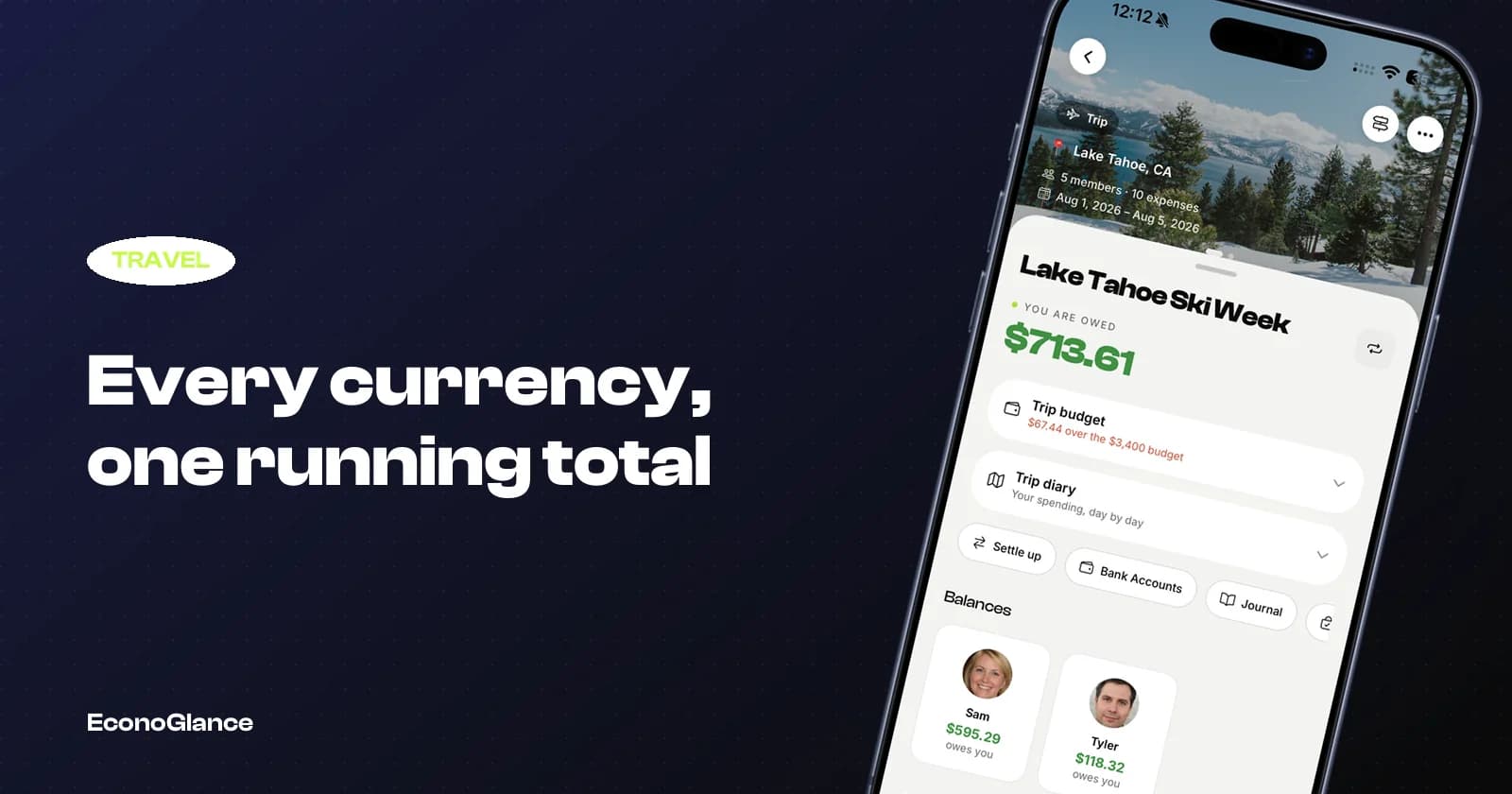
EconoGlance stores the original currency on every expense and converts for display, works offline with entries syncing when you reconnect, and lets people join a trip from a link or QR code. Trips also carry an itinerary, a packing list and a shared journal, which is either a genuine benefit or irrelevant depending on how you travel. See travel expenses and budgeting a group trip.
If all you need is a running tally between two people, almost any app will do and you should pick on interface preference alone.
A pre-trip checklist
Do this the week before, not at the airport.
- Everyone has installed it and joined the group
- You have added a test expense in a foreign currency
- You have tested adding one in airplane mode
- The trip budget and dates are set
- Someone other than the organiser knows how to add an expense