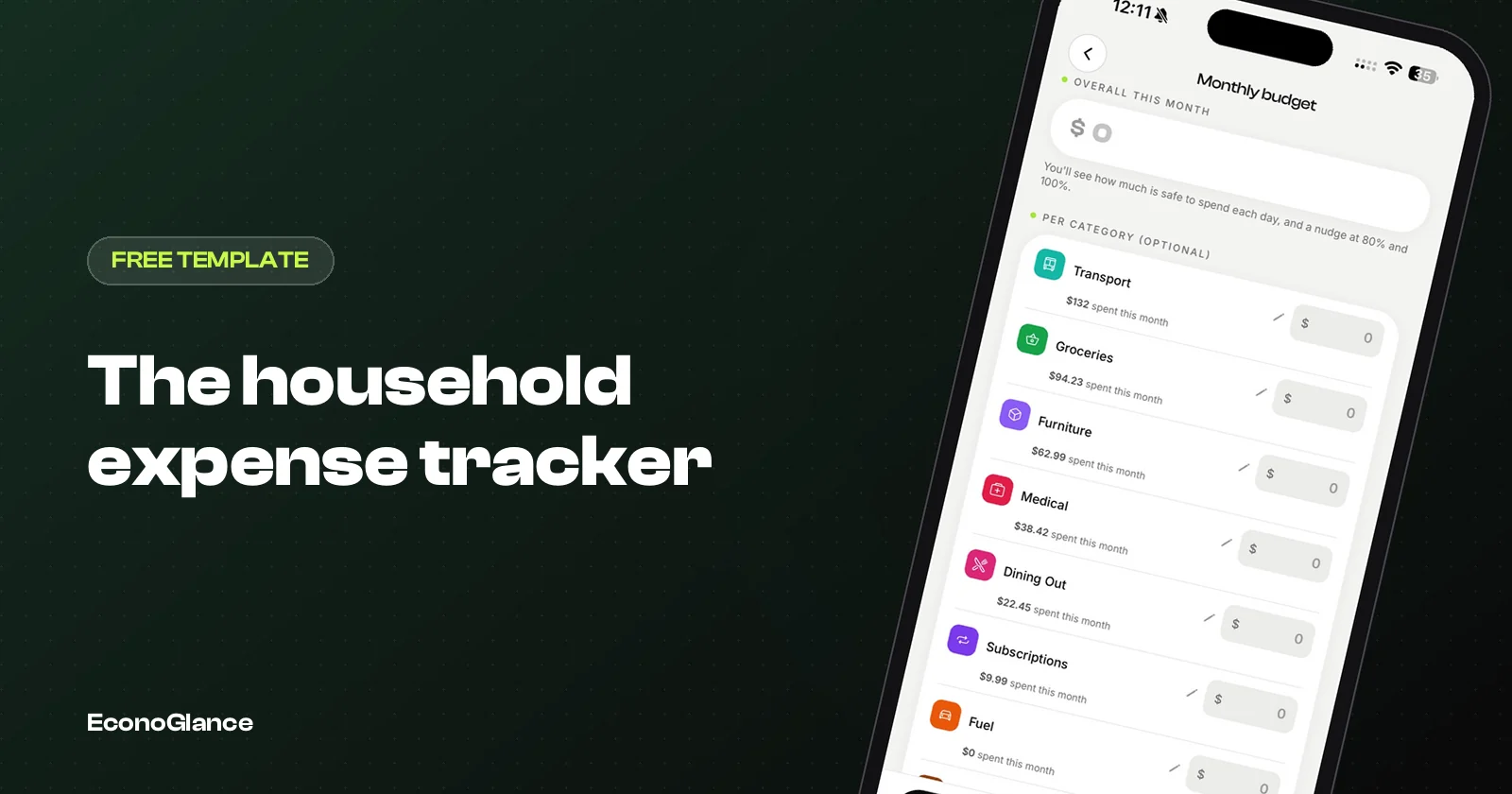
A household expense tracker is a monthly record of what it costs to run a home: rent or mortgage, bills, groceries and everything else, set against a budget. In a home shared by a couple, a family or flatmates, it also records who paid each cost, so the tracker doubles as a fair record of who owes whom. This free template does both in one sheet.
One tab per month. Categories, budget, actual, difference, and a paid-by column for shared homes. Opens in Google Sheets, Excel or Numbers.
What the template tracks
Three groups of cost, because each needs different attention.
| Group | Examples | How it behaves |
|---|---|---|
| Fixed bills | Rent or mortgage, council tax or housing fee, internet, insurance, subscriptions | Same every month. Set once, check for price rises |
| Variable spending | Groceries, electricity, gas, water, fuel, eating out | Changes monthly. Where budgets are won or lost |
| One-offs | Repairs, furniture, appliances, annual fees | Irregular. Plan for them with a small monthly reserve |
How to use it
Set it up once, then update it weekly.
- Enter your fixed bills with their amounts and due dates.
- Set a monthly budget for each variable category, based on the last two or three months if you have them.
- Each week, add what you spent, with the date and who paid.
- At month end, compare actual against budget for each category.
- Copy the tab for the next month and adjust any budget that was clearly wrong.
A weekly ten minutes keeps the tracker accurate. Monthly updates rely on memory and bank statements, and memory reliably loses the small things that add up.
Categories to start with
Fewer categories are easier to keep up. Start with these and split one only if it becomes too large to understand.
| Category | Includes |
|---|---|
| Housing | Rent or mortgage, housing fee or council tax, building charges |
| Utilities | Electricity, gas, water, cooling |
| Connectivity | Internet, phone plans |
| Groceries | Food and household supplies |
| Transport | Fuel, public transport, parking, car costs |
| Subscriptions | Streaming, apps, memberships |
| Eating out | Restaurants, delivery, coffee |
| Home and repairs | Maintenance, furniture, appliances |
| Reserve | Monthly set-aside for one-off costs |
The paid-by column, for shared homes
In a shared home, a budget is not enough. You also need to know who paid.
Add each person's name to the paid-by column for every cost. At month end, total what each person paid, compare it with what they should have paid under your agreed split, and the difference is what is owed. A couple splitting 50/50 where one partner paid 2,300 and the other 1,700 of a 4,000 month knows immediately that one owes the other 300.
| Partner A | Partner B | Total | |
|---|---|---|---|
| Paid this month | 2,300 | 1,700 | 4,000 |
| Should pay (50/50) | 2,000 | 2,000 | 4,000 |
| Difference | +300 | -300 | |
| Result | B pays A 300 |
If you split by income rather than equally, change the 'should pay' row to each person's percentage. The method is in how to split bills by income.
Budget against actual
The difference column is where the tracker earns its keep.
A category that runs over every month is not a one-off. Either the budget is unrealistic or the spending needs a decision. Groceries running 20% over for three months in a row usually means the budget was set from hope rather than history. Raise it, or decide where to cut, but do not keep a budget nobody meets.
For a framework for setting the budgets themselves, see the 50/30/20 budget, tested against a real month and envelope budgeting on your phone.
The 15-minute month-end review
At the end of each month, run through the same five questions, together if the home is shared.
- Which categories went over budget, and was it a one-off or a pattern?
- Did any fixed bill or subscription change price?
- Is there a subscription nobody used this month?
- Who paid what, and does anyone owe anyone?
- What one change will we make next month?
Keep the answers short and write the one change at the top of next month's tab. A tracker that produces one decision a month is doing its job. One that produces only numbers usually gets abandoned by March.
The one-off reserve
Households are surprised by the same things every year: an appliance dies, the car needs tyres, an annual fee renews.
Add up last year's one-offs, divide by twelve, and put that amount aside each month as its own line. When the washing machine fails, the money is already there, and the month's budget does not collapse.
Spreadsheet or app?
The template works well, especially for one person. In a shared home, an app removes the manual totals.
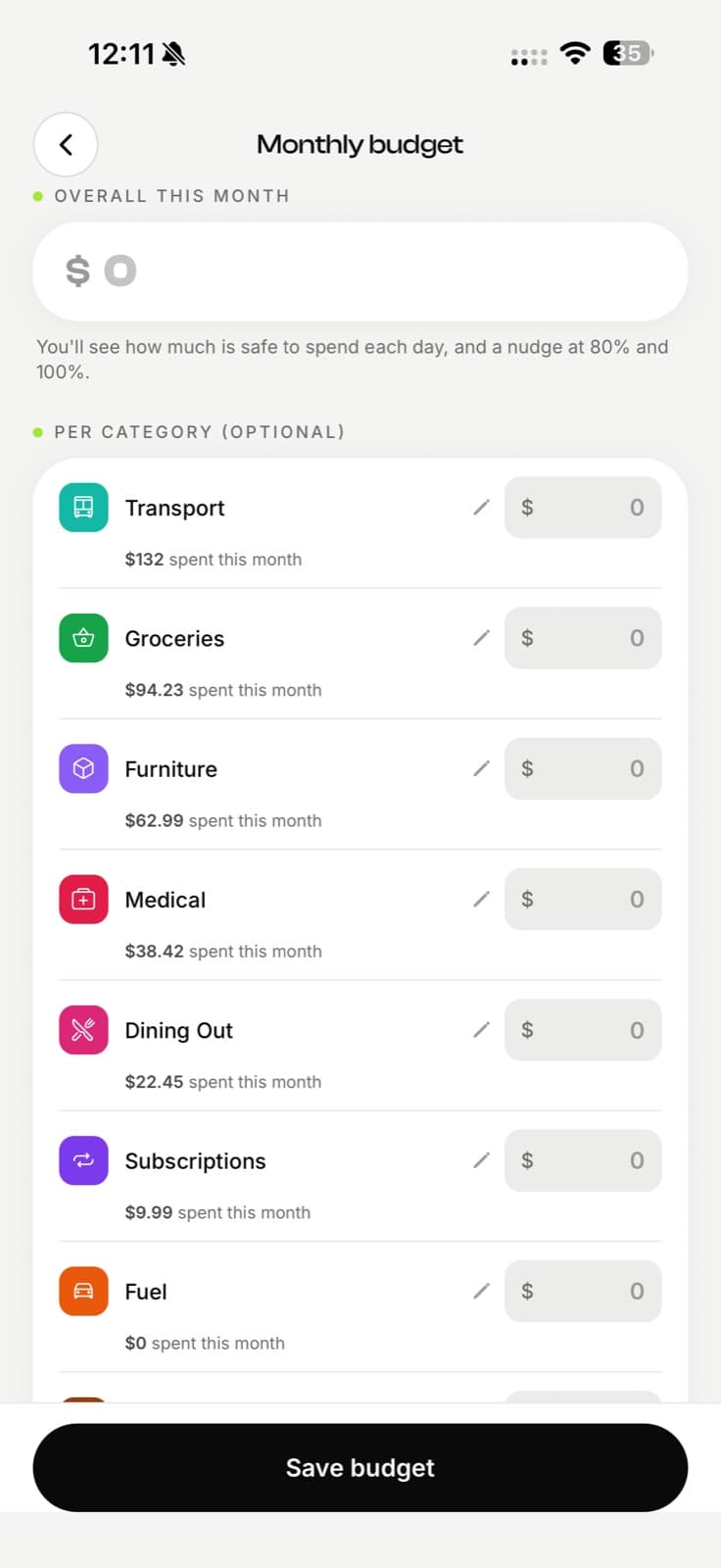
In EconoGlance, a household group tracks shared costs with who paid and the split, and keeps the running balance between members up to date automatically. Your private spending lives in a separate Personal space with its own monthly budget and per-category limits, which can roll over what is left. Monthly budgets, recurring bills and subscription tracking are on the free plan.
For a system that survives busy months, read a simple monthly expense tracker system.