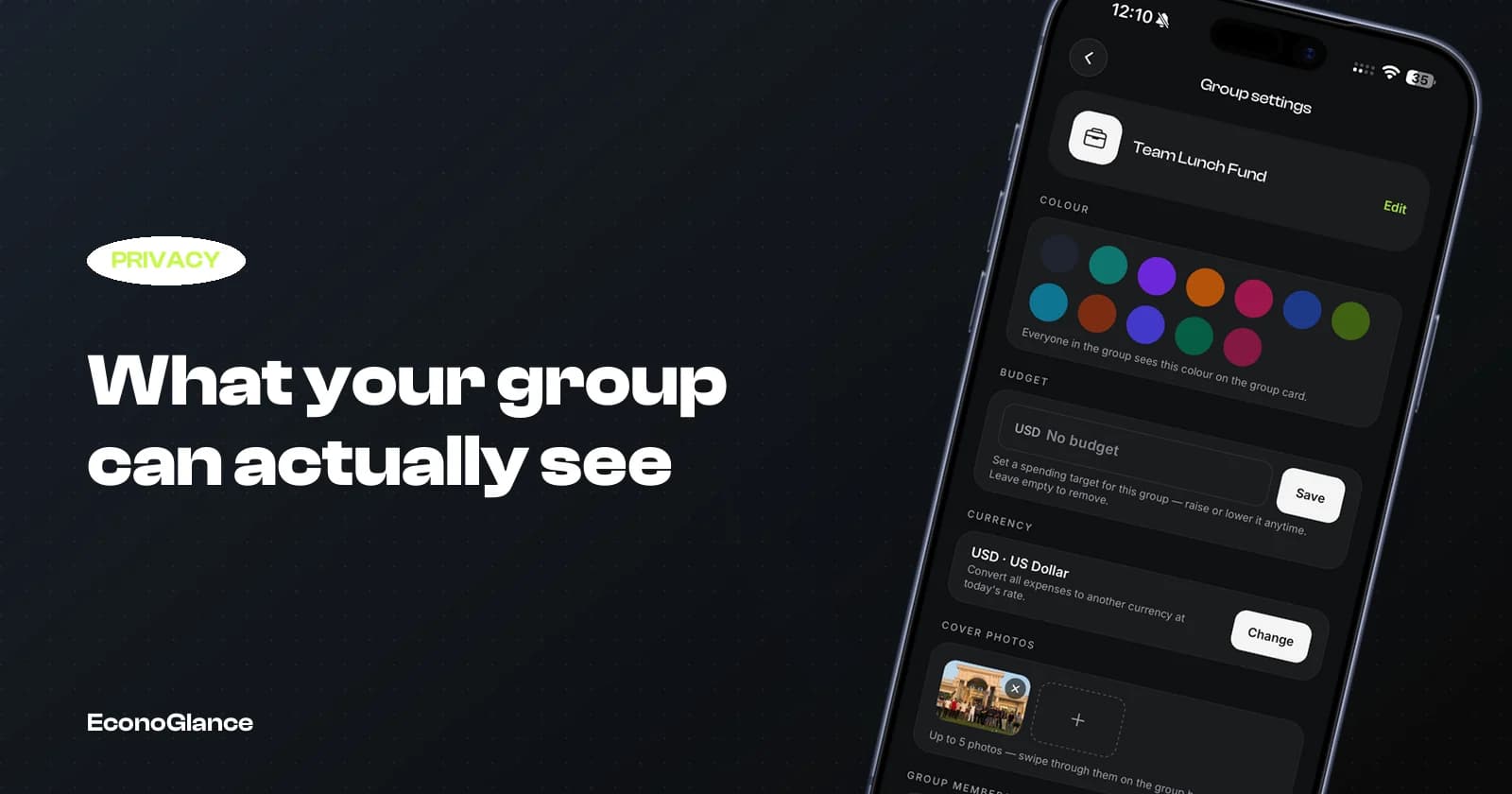
Adding people to a shared expense group means giving them a window into some of your money. It is worth knowing exactly how big that window is.
This guide describes how well-designed apps handle it, including ours, and what to check in whichever one you use.
What the group can see
The scope should be the group and nothing else.
| Visible to the group | Not visible to the group |
|---|---|
| Expenses added to that group | Your other groups |
| Who paid and how it was split | Your personal spending and budgets |
| Receipt images attached to group expenses | Your income, savings or goals |
| Comments and settlements in the group | Which cards or accounts you use |
| Your name and avatar | Your balance with anyone outside the group |
The important line is that a group is a boundary, not a login. Being in one group with someone gives them no view of any other part of your account.
The receipt photo problem
The most common accidental overshare, and it is worth a moment's thought.
When you attach a receipt, everyone in the group can open it. Usually that is the point. But receipts sometimes carry more than the total: a card's last four digits, a loyalty number, occasionally an address or a full itemised list including things you did not intend to discuss.
It is rarely a problem among close friends. In a work trip group or a large event group with people you barely know, it is worth a glance before attaching.
Payment details are opt in
Sharing how someone should pay you is useful and should always be a choice.
A good app lets you save bank details or payment handles and then choose which groups can see them. That distinction matters: your flatmates probably should have your account number, and a one-off event group of twenty people probably should not.
EconoGlance handles this per group, so an account can be visible to your household without being visible to a trip group. See splitting rent and bills for the household setup.
What personal means
Any app that mixes personal and shared money needs a hard line between them.
Your own budgets, savings goals, subscriptions and solo spending should be invisible to every group, permanently and by construction rather than by a setting you could accidentally change.
This is worth testing rather than assuming. Add a personal expense, then check the group activity feed and any shared analytics. It should be entirely absent.
Leaving a group
This surprises people, and the surprising behaviour is usually the correct one.
Leaving a group does not normally delete the expenses you added. It should not, because they are part of a shared financial record that other people still rely on. If leaving erased your entries, everyone else's balances would silently become wrong.
What should happen is that you stop seeing the group and stop receiving its notifications, while the historical record stays intact for the people still in it.
Before you add anyone
A short check, especially for larger or less familiar groups.
- Confirm which of your payment details, if any, that group can see
- Decide whether receipt images are appropriate for this group
- Check the invite link's scope, and whether it expires
- Make sure the group is the right one, since moving expenses later is fiddly
The account level questions
Separately from groups, know how the app itself treats your data.
Whether it can be exported, whether deletion is genuine, and whether the company makes money from your data. We wrote about the wider question in why an expense app should not need your bank login, and our own answers are in the privacy policy and on the security page.