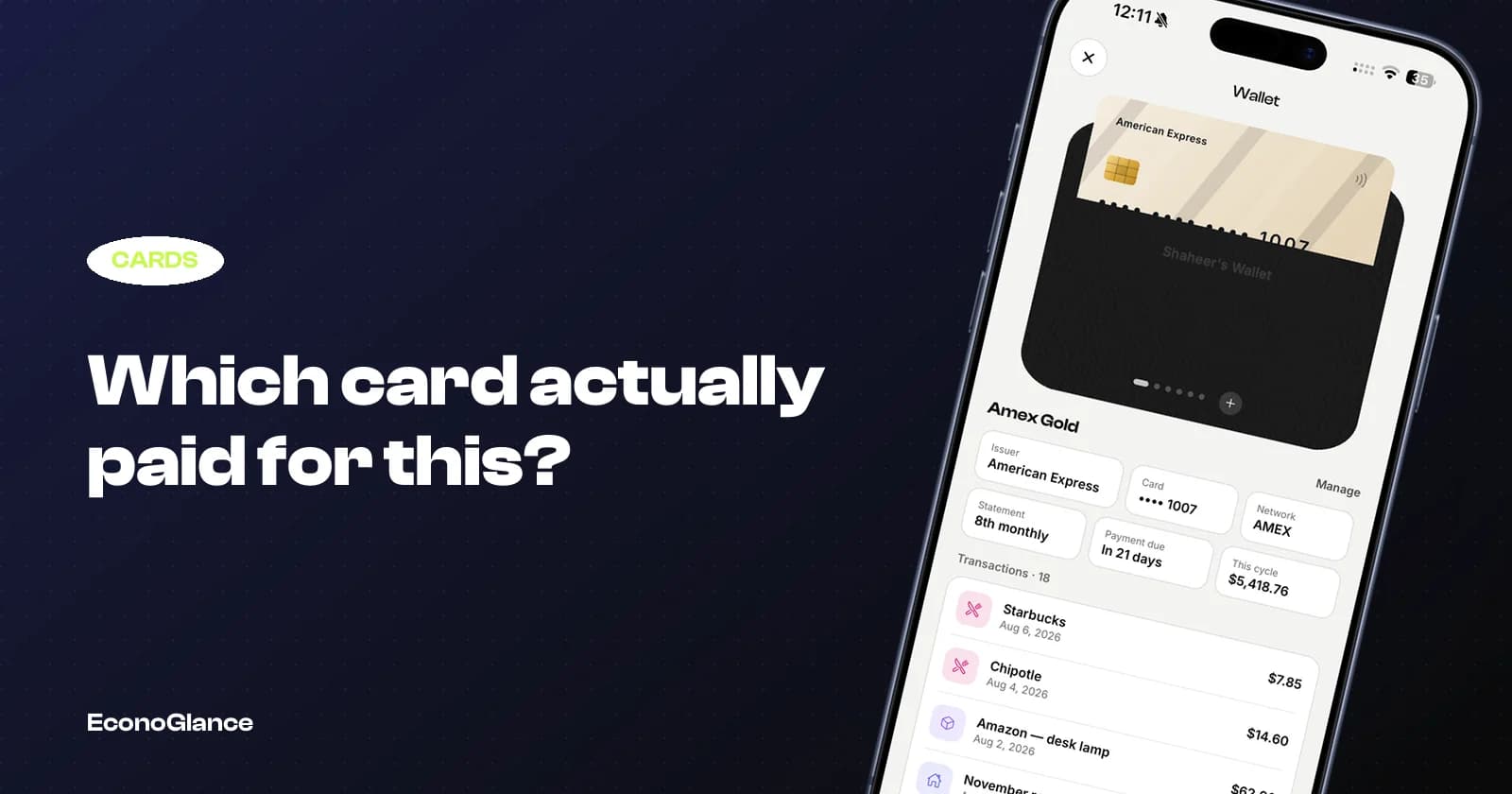
A typical wallet has a everyday debit card, one or two credit cards and something for travel. Spending spreads across all of them semi-randomly.
Then the statement arrives with a line you do not recognise, and you have no way to check without reconstructing the month.
Why it matters more than it sounds
Three practical reasons, beyond tidiness.
- A statement line you cannot place is indistinguishable from a fraudulent one
- Group expenses you paid for inflate your card spending without being your spending
- Cashback and points only make sense if you know what went where
The second one is the big one for anyone who splits regularly. You put a 400 dinner on your card and four people owe you 300 of it. Your statement says you spent 400, your budget app says you spent 400, and neither is true.
The one tap habit
The system is simply recording which card paid, at the moment you log the expense.
This only works if it is nearly free to do. If recording the card takes three taps and a search, you will stop within a week. It needs to be a single choice on the same screen where you enter the amount.
In EconoGlance the paid-with field sits on the add expense screen, and each card keeps its own transaction list. It is attribution only, so choosing a card never changes amounts, shares or balances. See expense tracking.
What to record, and what not to
Keep it to the last four digits and a name you recognise.
| Record | Do not record | Why |
|---|---|---|
| A name like "Amex Gold" | The full card number | You never need it, and storing it is a liability |
| Last four digits | Expiry date or CVV | Four digits is enough to match a statement line |
| Statement day and due day | Your PIN, obviously | Powers cycle totals and payment reminders |
Any app asking for a full card number to do expense tracking is asking for something it does not need. There is no feature in a tracking app that requires it.
Reconciling monthly
Once a month, put your statement next to the card's transaction list and compare.
You are looking for three things: lines on the statement you did not record, lines you recorded that are not on the statement, and amounts that differ. The first is usually a forgotten expense, the second is often a pending transaction, and the third is frequently a tip added after you paid.
Doing this monthly takes about five minutes. Doing it annually takes an afternoon and you will not remember enough to resolve the discrepancies.
The group expense adjustment
If you split a lot, your card statement will always overstate your personal spending.
The fix is not complicated: your real personal cost is what you paid minus what others owe you for it. Any app that tracks both the card and the split can show you that directly, which is the number your budget should actually use.
This is why keeping personal and shared money in the same app helps. See a monthly expense tracker system for how the two fit together.
The cards worth tracking closely
You do not need this discipline for every card.
Track the ones where the statement is hard to read: the credit card with a cycle that does not match the calendar month, the card you use for group spending, and any card with an annual fee you are trying to justify. A debit card you use for everything and check daily needs much less attention.
The cycle question trips people up constantly, and it is covered in why your credit card bill never matches what you spent.